In today’s fast-paced digital landscape, businesses and creators rely on structured planning to maintain a strong and consistent online presence. Social media scheduling software has become an essential solution for organizing content calendars, streamlining collaboration, and ensuring posts go live at the optimal time. Rather than scrambling to publish content manually each day, marketing teams use scheduling platforms to plan weeks or even months in advance. This approach helps brands stay organized, strategic, and responsive in a constantly evolving social environment.
TLDR: Social media scheduling software helps businesses plan, automate, and manage their content calendars efficiently. These tools improve consistency, enhance collaboration, and provide analytics for better decision-making. By centralizing content management, brands save time while maintaining a cohesive online presence. Choosing the right platform depends on team size, budget, and specific marketing needs.
Why Organizing a Content Calendar Matters
A content calendar serves as the backbone of any social media strategy. It outlines what will be posted, when it will be published, and which platforms it will appear on. Without an organized system, content creation becomes reactive instead of strategic.
Effective content calendar organization provides several advantages:
- Consistency: Maintains regular posting frequency across platforms.
- Strategic alignment: Ensures content aligns with campaigns, launches, and promotions.
- Time efficiency: Reduces last-minute content creation stress.
- Team collaboration: Clarifies roles and responsibilities.
- Performance tracking: Links published posts to measurable results.
Social media scheduling tools integrate these elements into a centralized dashboard, making it easier to visualize and adjust upcoming content.
Core Features of Social Media Scheduling Software
Although platforms differ in features and complexity, most social media scheduling tools offer several key capabilities.
1. Content Calendar Visualization
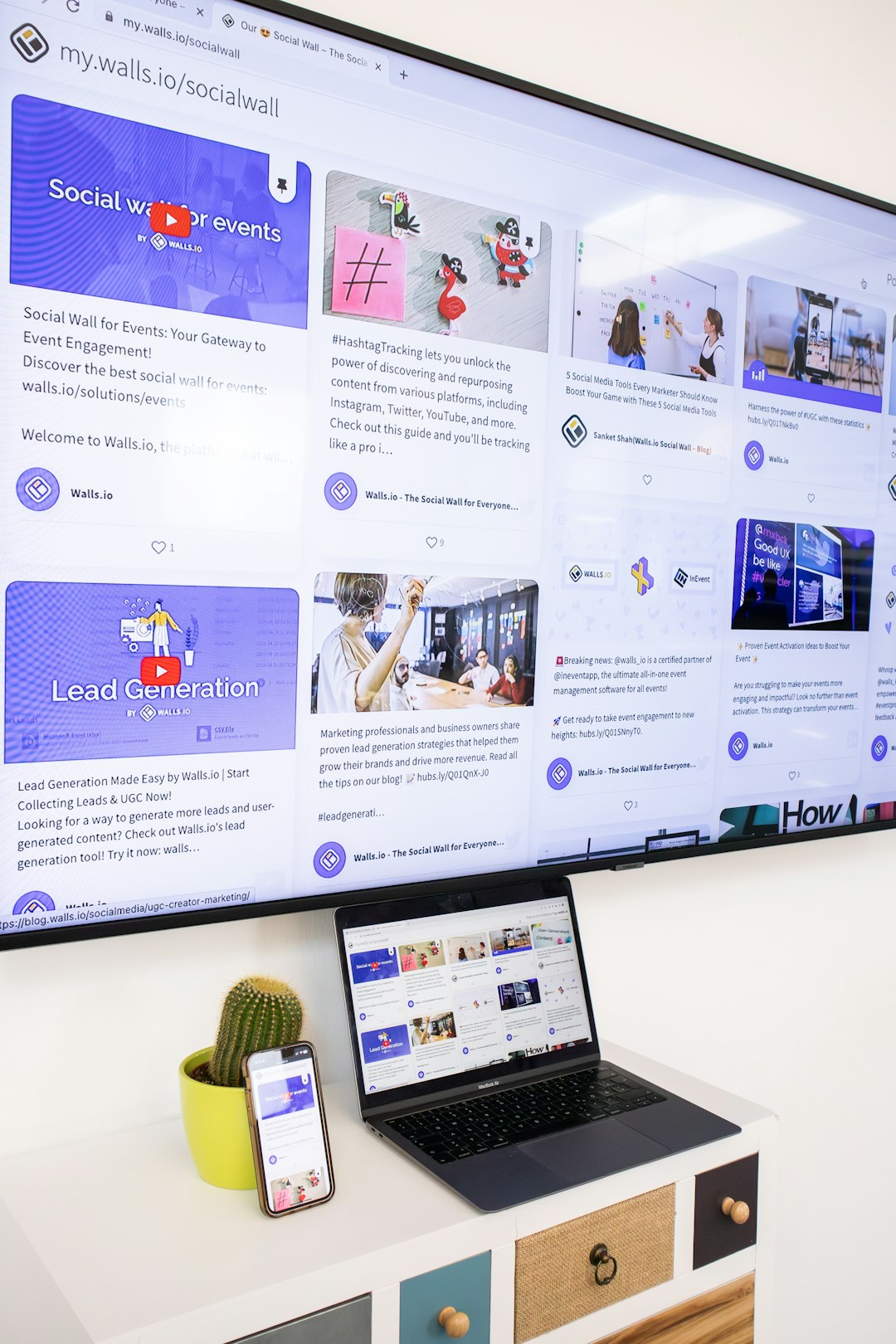
Most platforms provide a drag-and-drop calendar interface. Users can view posts in daily, weekly, or monthly formats. This visual layout allows marketing teams to identify gaps, overlaps, and inconsistencies before content goes live.
2. Post Scheduling and Automation
Automation enables users to schedule posts for specific dates and times across multiple platforms. Instead of manually publishing at peak engagement hours, the software handles timing automatically.
3. Multi-Platform Publishing
Scheduling tools typically integrate with networks such as:
- X or Twitter
- TikTok
Centralized publishing ensures messaging consistency across different channels.
4. Collaboration Tools
Larger teams benefit from features like content approval workflows, comment threads, and permission levels. Editors can review drafts before publishing, reducing errors and maintaining brand voice.
5. Analytics and Reporting
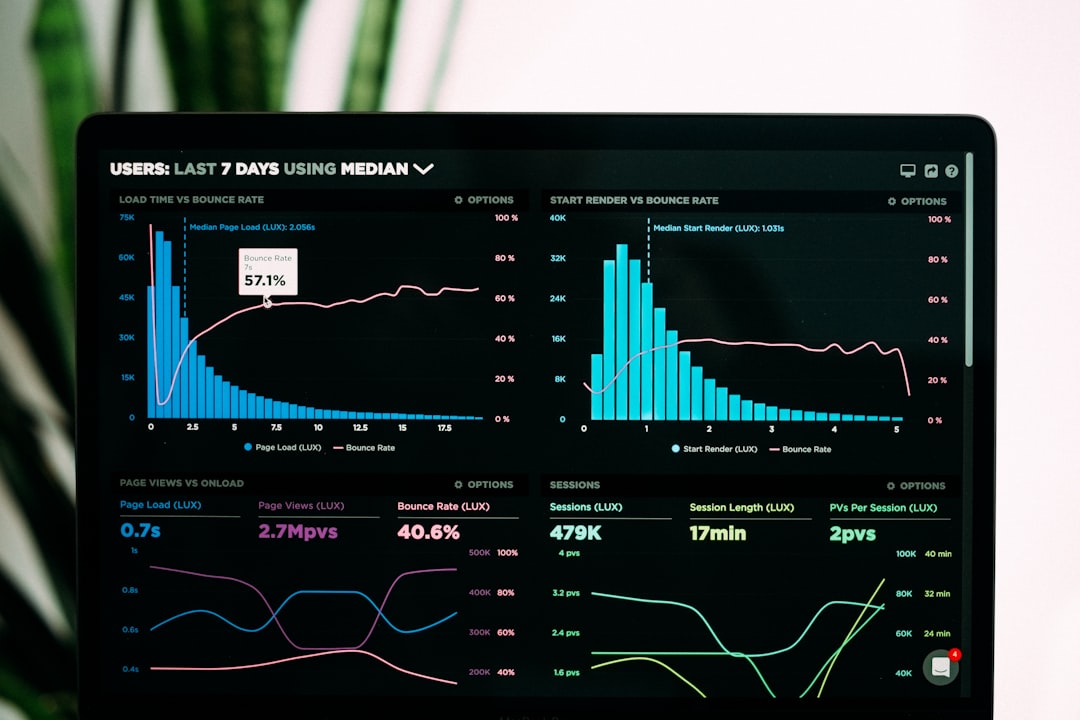
Performance metrics such as engagement, reach, impressions, and click-through rates help marketers refine their strategies. Detailed reports illustrate which types of posts generate the strongest results.
How Scheduling Software Improves Workflow Efficiency
One of the primary advantages of scheduling tools is workflow optimization. Instead of switching between platforms, marketing teams manage all accounts from a single dashboard.
Streamlined workflow includes:
- Batch content creation: Teams prepare multiple posts in one session.
- Pre-scheduled campaigns: Launches and promotions are mapped out in advance.
- Content recycling: High-performing posts can be reshared automatically.
- Automated notifications: Alerts remind team members about approvals or revisions.
This structured approach saves valuable time while reducing the risk of missed posting opportunities.
Types of Users Who Benefit Most
Social media scheduling platforms are not limited to large corporations. Various user groups find them valuable:
- Small businesses: Maintain consistent presence without a full marketing team.
- Agencies: Manage multiple client accounts from a single interface.
- Content creators: Organize recurring posts and collaborations.
- E-commerce brands: Align social posts with promotions and product drops.
- Nonprofits: Plan awareness campaigns around key dates.
Comparison of Popular Scheduling Tools
When selecting scheduling software, marketers should evaluate features, budget, and scalability. Below is a simplified comparison of several widely used platforms.
| Platform | Best For | Key Features | Collaboration Tools | Analytics Level |
|---|---|---|---|---|
| Hootsuite | Mid to large teams | Multi platform scheduling, streams, monitoring | Advanced permissions, approvals | Comprehensive |
| Buffer | Small businesses | Simple scheduling, queue system | Basic collaboration | Moderate |
| Sprout Social | Agencies and enterprises | Publishing, CRM tools, social listening | Advanced workflows | Advanced reporting |
| Later | Visual brands | Visual planner, Instagram focus | Limited approvals | Basic to moderate |
Each platform offers unique strengths. Larger organizations often prioritize in-depth analytics and collaboration, while smaller teams focus on ease of use and affordability.
Strategic Advantages of Advanced Planning
Strategic planning through scheduling software allows brands to move beyond reactive posting. Instead of responding haphazardly to trends, marketers incorporate trends into an overarching plan.
Strategic advantages include:
- Campaign synchronization: Website, email, and social efforts align.
- Seasonal preparation: Content for holidays and events is prepared weeks ahead.
- Brand consistency: Messaging and visuals remain cohesive.
- Crisis mitigation: Scheduled posts can be paused quickly if needed.
This proactive management strengthens brand reliability and credibility.
Common Challenges and How Software Solves Them
Despite its benefits, managing multiple social media accounts can present challenges.
Content Overload
Without planning software, teams may struggle to keep track of drafts, captions, and assets. Scheduling tools centralize these elements for easy access.
Inconsistent Posting
Irregular content harms audience engagement. Automated scheduling ensures consistent publishing regardless of time zones or workload.
Limited Visibility Across Teams
Collaboration features provide transparency, so everyone understands what is scheduled and approved.
Best Practices for Using Scheduling Software
To maximize effectiveness, teams should implement proven practices.
- Plan monthly themes: Structure content around major campaigns.
- Use analytics to refine strategy: Identify patterns in engagement.
- Balance evergreen and trending content: Maintain relevance while preserving long-term value.
- Review content weekly: Adjust based on performance insights.
- Maintain flexibility: Stay responsive to industry news and audience feedback.
Scheduling should support creativity, not restrict it. Regular reviews ensure automation does not compromise authenticity.
The Future of Social Media Scheduling
The capabilities of scheduling platforms continue to evolve. Artificial intelligence increasingly assists with caption generation, optimal posting times, and predictive analytics. Deeper social listening integrations allow brands to monitor conversations and adjust strategies in real time.
As platforms expand, scheduling software will likely incorporate more automation, enhanced reporting features, and cross-channel integration. This evolution reinforces the importance of structured planning in digital marketing.
Conclusion
Social media scheduling software has transformed how businesses and creators organize their content calendars. By centralizing planning, automating publishing, and offering actionable analytics, these tools empower teams to operate more efficiently and strategically. Whether managing a single account or dozens of client portfolios, structured scheduling supports consistent branding and measurable growth. Ultimately, selecting the right platform depends on organizational needs, workflow preferences, and long-term marketing goals.
FAQ
1. What is social media scheduling software?
Social media scheduling software is a digital tool that allows users to plan, create, and automatically publish posts across multiple social platforms from a centralized dashboard.
2. Is scheduling content better than posting manually?
Scheduling saves time, ensures consistency, and allows strategic planning. While manual posting allows for spontaneity, most businesses benefit from combining automation with real-time engagement.
3. Can small businesses benefit from scheduling tools?
Yes. Small businesses can maintain a professional and consistent online presence without hiring a large marketing team.
4. How far in advance should content be scheduled?
Many organizations plan content two to four weeks ahead, though major campaigns may be scheduled months in advance.
5. Do scheduling tools provide analytics?
Most platforms include performance tracking, providing insights into engagement, impressions, clicks, and audience growth.
6. Are scheduling platforms secure?
Reputable tools use secure authentication methods and encryption to protect connected social media accounts.
7. Can scheduled posts be edited or paused?
Yes. Users can typically edit, reschedule, or pause content before it is published, which is especially helpful during unexpected events or crises.