
Adding subtitles to your videos used to take hours. You had to type every word. You had to match every second. It was slow. It was boring. Not anymore. Today, smart video subtitle generators can do the hard work for you in just minutes. Let’s look at three great tools that make adding captions fast and simple.
TLDR: Subtitle generators use AI to turn speech into text in minutes. They save time and improve accessibility. Three great options are Kapwing, VEED, and Descript. Each one is easy to use and perfect for creators who want quick and accurate captions.
Why Subtitles Matter More Than Ever
Before we jump into the tools, let’s talk about why subtitles are so important.
- Many people watch videos with the sound off. Think about social media feeds.
- Subtitles improve accessibility. They help people who are deaf or hard of hearing.
- They boost engagement. Viewers stay longer when they can read along.
- They help with understanding. Especially when accents or background noise are involved.
Plus, captions make your content look professional. Clean subtitles signal quality. And quality builds trust.
Now, let’s explore three subtitle generators that can level up your videos fast.
1. Kapwing – Simple and Beginner Friendly
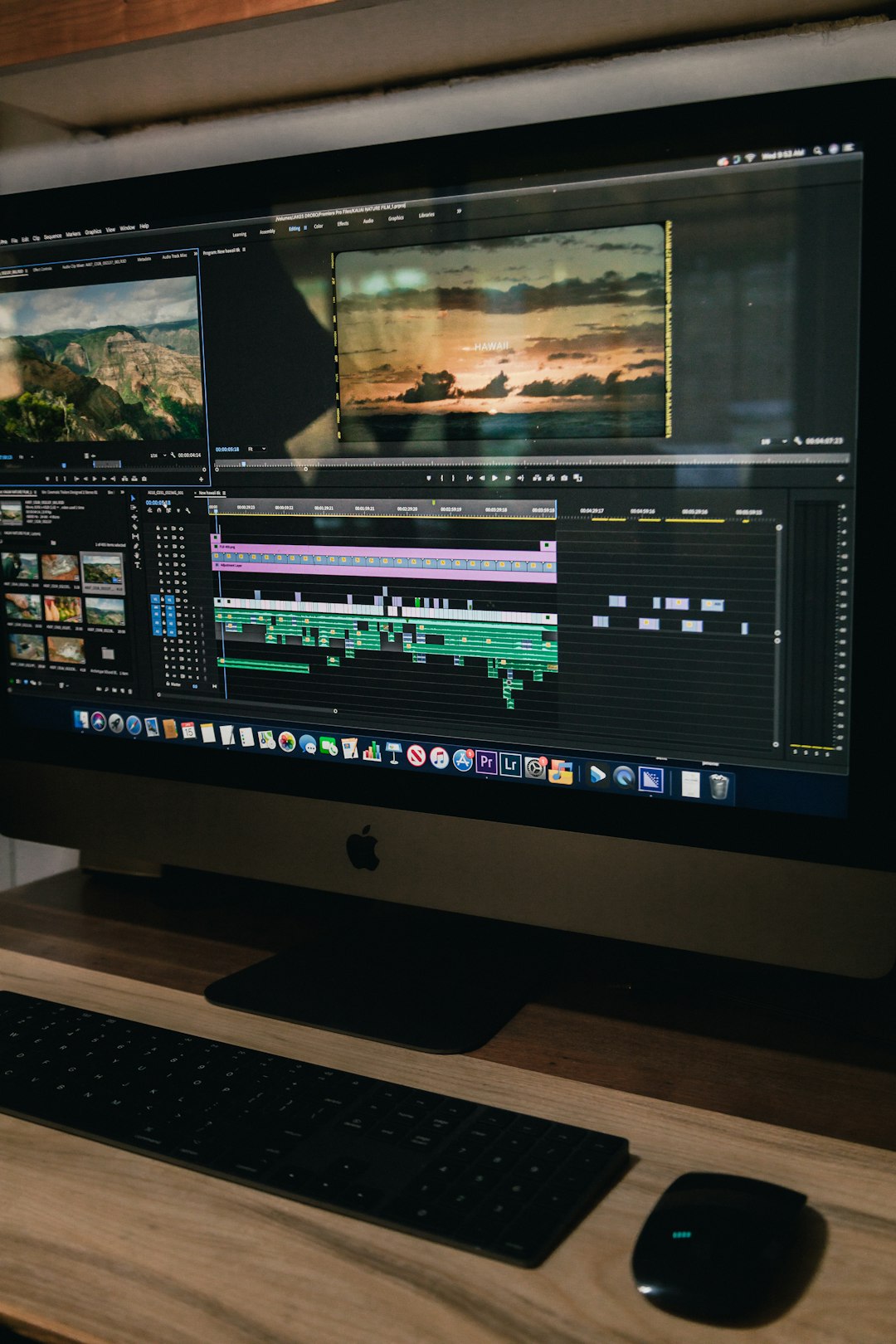
If you are new to video editing, Kapwing is a great place to start. It is clean. It is simple. And it works directly in your browser. No heavy software needed.
How It Works
You upload your video. Then you click “Auto Subtitles.” The tool uses AI to turn speech into text. In just a few minutes, your captions appear on the screen.
From there, you can:
- Edit any incorrect words
- Change font style and size
- Adjust text color
- Move subtitle position
- Add background boxes
Everything is click-and-edit. Very intuitive. Very fast.
What Makes It Special
- Automatic transcription in multiple languages
- Customizable subtitle design
- Cloud-based editing – no downloads
- Team collaboration tools
The collaboration feature is especially helpful. If you work with a team, everyone can edit in real time. No endless file sharing.
Best For
Kapwing is perfect for:
- Social media creators
- Small business owners
- Teachers making lessons
- Anyone who wants speed and simplicity
If you want something easy and effective, this is a solid choice.
2. VEED – Fast, Stylish, and Social Ready
Next up is VEED. This one is built for modern creators. Think YouTubers. TikTokers. Instagram marketers.
It’s all about speed and style.

How It Works
Upload your video. Click “Auto Subtitle.” Wait a few minutes. Done.
The AI transcribes your content automatically. Then, you can fine-tune it. Correct errors. Adjust timing. Change formatting.
VEED’s interface is smooth. Drag-and-drop. Visual. Clear timeline editing.
Design Features
This is where VEED shines.
- Animated subtitles
- Karaoke-style word highlighting
- Bold social media templates
- Brand kit options
You can match your subtitle style to your brand colors. This is huge for consistency. Especially if you post often.
You can also export subtitles as separate files like SRT. That’s useful for YouTube uploads.
Best For
- Influencers
- Marketing teams
- Short-form video creators
- Brands focusing on strong visuals
If you love eye-catching subtitles, VEED is a strong pick.
3. Descript – Advanced Editing Made Easy
Descript is a bit different. It is more than a subtitle generator. It is a full content editing platform.
But don’t worry. It is still beginner friendly.
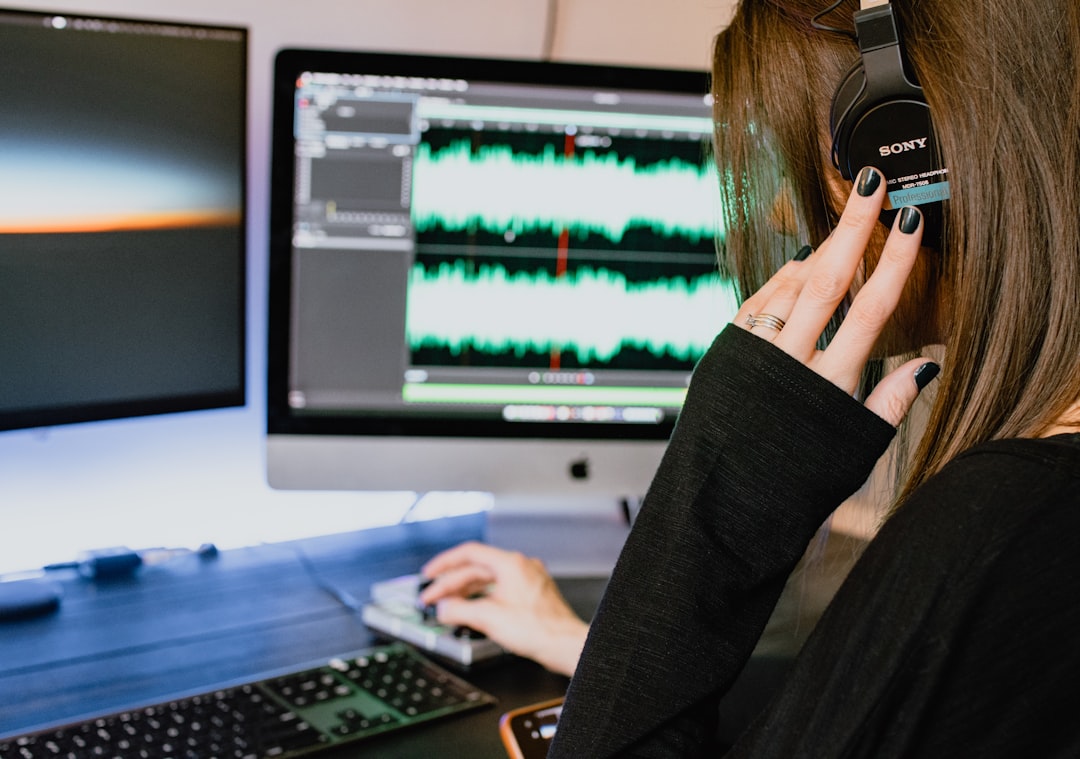
How It Works
You upload your video or audio file. Descript creates a full transcript. Fast.
Here’s the cool part:
You can edit your video by editing the text.
Delete a sentence in the transcript? That section disappears from your video. It feels like editing a Word document.
Subtitles are automatically generated from the transcript. You can export them or burn them directly into your video.
Powerful Features
- Text-based video editing
- Filler word removal (like “um” and “uh”)
- Studio sound enhancement
- Multi-track editing
This tool is excellent for podcasts. Webinars. Interviews. Long-form YouTube videos.
Best For
- Podcasters
- YouTubers
- Course creators
- Professionals editing interviews
If you need more control, Descript gives you power without confusion.
How to Choose the Right Subtitle Generator
Not sure which one to pick? Ask yourself a few simple questions.
1. How Much Editing Do You Need?
- Very basic? Go with Kapwing.
- Stylish and animated? Choose VEED.
- Advanced editing control? Pick Descript.
2. What Type of Content Do You Create?
- Quick social clips → VEED
- Educational videos → Kapwing
- Podcasts or interviews → Descript
3. How Important Is Branding?
If matching fonts, colors, and style matters a lot, VEED offers strong customization options.
4. Do You Work Alone or With a Team?
Team collaboration works smoothly inside browser-based tools like Kapwing.
Descript also supports team workflows for bigger projects.
Tips for Better Subtitles
Even the best AI needs a little help. Here are quick tips to make your captions shine:
- Always review the auto transcription. AI can mishear names or slang.
- Keep sentences short. Easier to read.
- Use high contrast colors. White text with dark background works well.
- Don’t overcrowd the screen. Two lines max is ideal.
- Sync timing carefully. Text should match speech naturally.
Good subtitles feel invisible. They support the message without distraction.
The Big Time-Saving Advantage
Let’s be honest. Time matters.
Typing subtitles manually for a 10-minute video can take over an hour. Maybe more.
With AI subtitle tools?
You wait a few minutes. Then you polish.
That difference adds up. Especially if you post every week. Or every day.
More time saved means:
- More videos created
- More content shared
- More growth
- Less burnout
That’s a win.
Final Thoughts
Adding subtitles does not have to be painful. Not anymore.
Tools like Kapwing, VEED, and Descript make the process fast and smooth. They use powerful AI. They automate the boring parts. And they let you focus on creativity.
If you want simple and clean, try Kapwing. If you want bold and social-ready, go with VEED. If you want deeper editing control, Descript is your best bet.
No matter which one you choose, one thing is clear.
Subtitles are no longer optional.
They improve accessibility. They boost engagement. They help your message land.
And now, they are easier than ever to add.
So upload your next video. Click auto subtitles. And let technology do the heavy lifting.
Your future viewers will thank you.