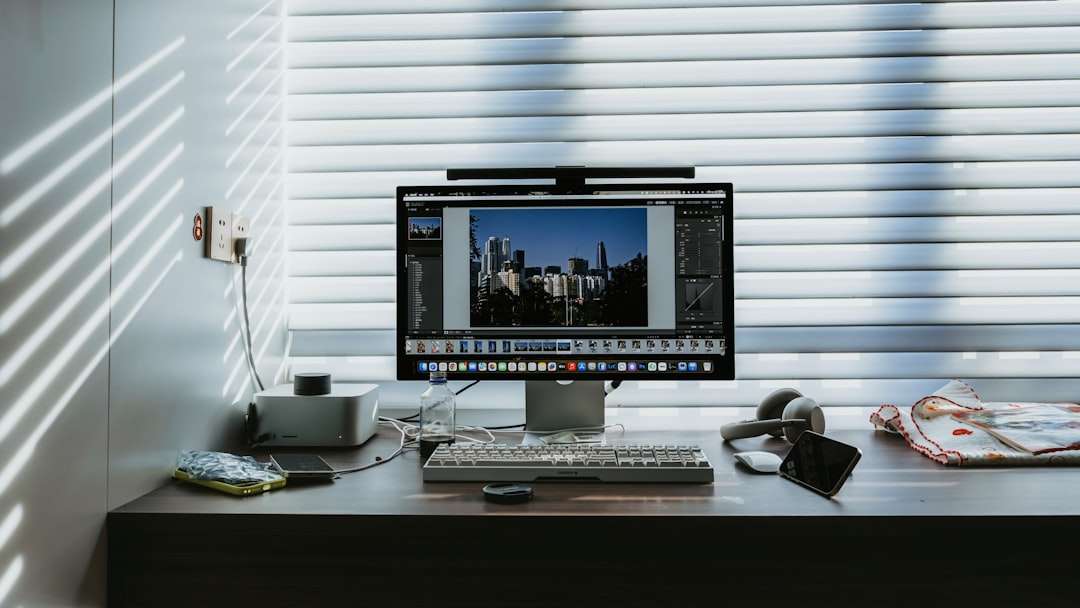
In a world where every swipe reveals another stunning sunset or perfectly lit portrait, the pressure to post flawless photos has never been greater. Fortunately, you no longer need professional gear or advanced editing skills to achieve breathtaking results. Today’s photo editing apps use AI-powered enhancements to dramatically improve sharpness, color accuracy, and detail—some even claiming clarity boosts of up to 92%. With just a few taps, your ordinary snapshots can transform into scroll-stopping visuals.
TLDR: Modern photo editing apps use advanced AI tools to enhance sharpness, remove noise, and balance colors, delivering up to 92% more clarity in your photos. These apps are easy to use, beginner-friendly, and packed with features like auto-enhance, background correction, and intelligent sharpening. Whether you shoot on a smartphone or DSLR, the right app can dramatically upgrade your images. Below, we explore top tools, their standout features, and how to choose the best one for your needs.
What Does 92% More Clarity Really Mean?
When apps advertise dramatic clarity improvements, they’re referring to a combination of intelligent enhancements, including:
- Edge sharpening that defines subject outlines
- Noise reduction to remove grain in low-light photos
- Color correction for truer, more vibrant tones
- Contrast balancing to create depth and dimension
- AI upscaling that increases resolution without pixelation
These technologies work together to breathe life into dull or blurry images. The result? Photos that look professionally shot—even if they were taken on your phone during a rushed moment.

Top Photo Editing Apps That Deliver Exceptional Clarity
Let’s explore some of the most popular and powerful apps known for their clarity-enhancing capabilities.
1. Adobe Lightroom
Best for advanced control and professional-grade results.
Lightroom combines precision editing tools with AI-powered automation. Its Texture and Clarity sliders allow detailed sharpening without oversaturating images. The app’s noise reduction tool is particularly effective for night photography.
Standout Features:
- Selective masking tools
- AI scene detection
- RAW image support
- Advanced color grading
2. Snapseed
Best for free, powerful edits on mobile devices.
Snapseed offers a “Details” module that enhances structure and sharpness simultaneously. While it’s completely free, it rivals many premium apps in capability. Its selective adjustment tool allows clarity boosts only where needed.
Standout Features:
- Selective brush editing
- Healing tool for blemishes
- HDR scape for dynamic range
- User-friendly interface
3. Remini
Best for restoring old or blurry photos.
Remini focuses heavily on AI reconstruction. It can transform low-resolution and pixelated images into sharp, high-detail visuals. This makes it ideal for restoring vintage family photos or enhancing blurry portraits.
Standout Features:
- AI photo enhancement
- One-tap clarity upgrade
- Face detail reconstruction
- Video enhancement capability
4. VSCO
Best for aesthetic filters with clarity control.
VSCO is known for artistic presets, but its editing tools go deeper. You can adjust sharpen, clarity, contrast, and grain individually to produce clean yet natural-looking results.
Standout Features:
- Professional-grade presets
- Manual clarity settings
- Film-like simulations
- Simple workflow
5. Topaz Photo AI
Best for AI-powered desktop precision.
Topaz uses deep learning models to reduce blur, remove noise, and upscale images. It’s particularly powerful for photographers seeking crystal-clear prints or large digital displays.
Standout Features:
- Advanced AI sharpening
- Noise-free enlargement
- Automatic subject detection
- Professional-level controls
Comparison Chart: Which App Is Right for You?
| App | Best For | Clarity Tools | Ease of Use | Platform |
|---|---|---|---|---|
| Adobe Lightroom | Professional editing | Advanced sharpening, masking, noise reduction | Moderate | Mobile, Desktop |
| Snapseed | Free mobile editing | Structure tool, selective sharpen | Easy | Mobile |
| Remini | Restoration | AI reconstruction, face enhancement | Very Easy | Mobile |
| VSCO | Creative presets | Sharpen slider, contrast adjustment | Easy | Mobile |
| Topaz Photo AI | High-resolution output | AI upscaling, blur removal | Advanced | Desktop |
How AI Enhances Clarity Behind the Scenes
You might wonder how these apps achieve such dramatic improvements. The magic lies in machine learning algorithms trained on millions of images. These systems learn to recognize patterns like:
- Facial features
- Texture differences
- Natural lighting environments
- Lens distortion artifacts
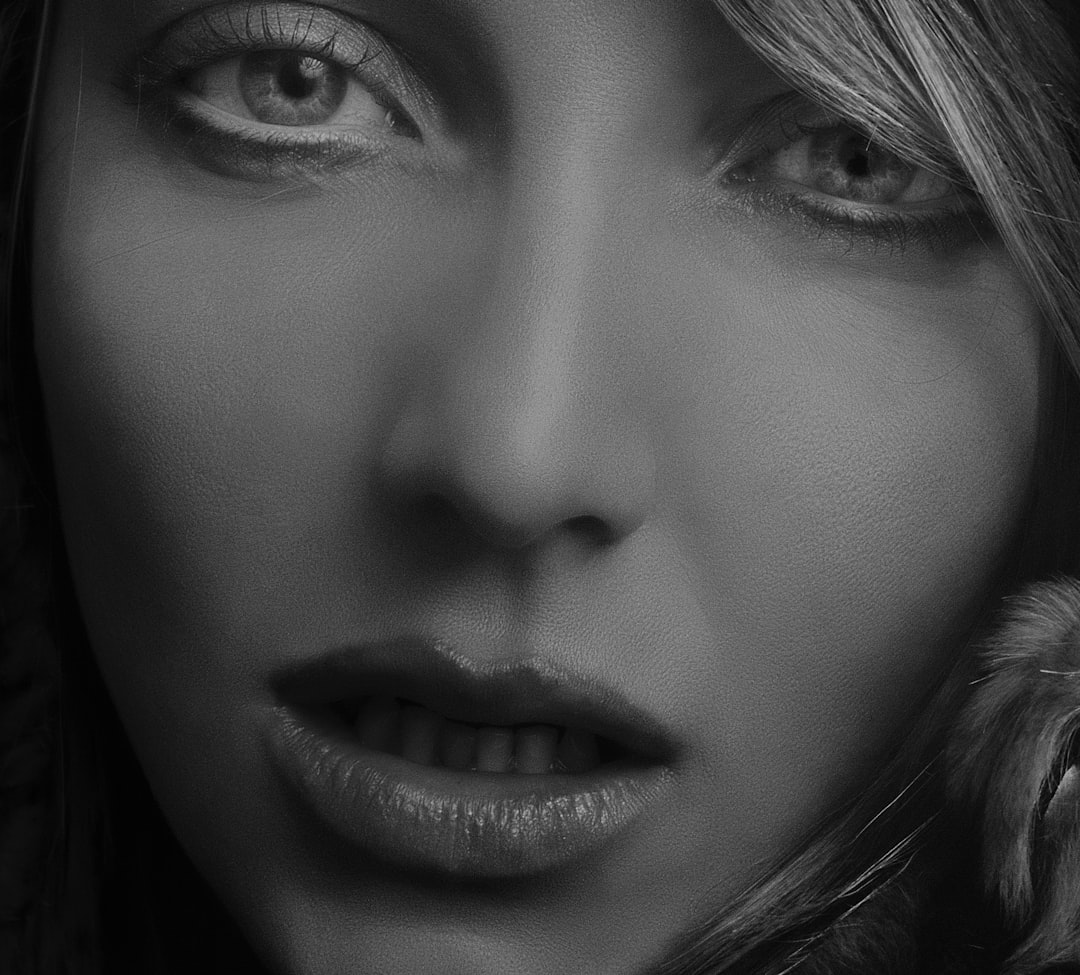
Instead of globally sharpening the entire image—which can create unnatural halos—AI selectively enhances areas that matter most. This ensures skin remains smooth while eyes and hair gain definition.
Key Features to Look For in a Clarity-Focused App
Not all editing apps are created equal. If clarity is your primary goal, prioritize tools that include:
- Selective adjustments – Edit only specific areas.
- RAW support – Preserve maximum detail during editing.
- AI denoise – Reduce grain without losing texture.
- Resolution upscaling – Increase size while maintaining sharpness.
- Non-destructive editing – Keep original files intact.
Apps that combine multiple clarity-focused features tend to produce the most noticeable improvements.
Tips for Maximizing Photo Clarity
Even the best app can’t fully salvage poor composition or extreme blur. For best results:
- Start with the highest resolution possible. Always shoot in maximum quality settings.
- Correct lighting first. Adjust exposure and contrast before sharpening.
- Avoid over-sharpening. Too much clarity can create unnatural artifacts.
- Zoom in while editing. Inspect details closely to prevent over-processing.
- Use selective tools. Enhance subjects more than backgrounds.
Remember, subtle edits often look more professional than extreme transformations.
When to Use Heavy Clarity Enhancements
There are specific situations where strong clarity boosts shine:
- Wildlife photography – Emphasize fur and feather details.
- Landscape shots – Enhance textures in rocks, trees, and clouds.
- Old photo restoration – Rebuild faded lines and faces.
- Social media portraits – Bring focus to eyes and facial features.
However, softer portraits or dreamy wedding photography may benefit from a gentler approach.

Mobile vs. Desktop: Which Offers Better Results?
Mobile editing apps have become remarkably powerful, with AI doing most of the heavy lifting. They’re perfect for fast social media uploads and quick adjustments on the go.
Desktop software, on the other hand, provides:
- Higher processing power
- Precision control
- Support for large file sizes
- Print-quality output
If you’re managing professional projects, desktop platforms may yield superior results. For everyday clarity boosts, mobile apps are more than sufficient.
The Future of Photo Clarity Enhancement
The evolution of AI-driven photo editing is accelerating. Upcoming features are likely to include:
- Real-time clarity adjustment during shooting
- Automatic lens correction based on device metadata
- Enhanced 3D depth reconstruction
- AI-generated detail filling for extreme upscaling
As smartphone cameras improve and AI becomes even smarter, editing apps will continue pushing the boundaries of what’s possible—bringing studio-quality clarity to everyone.
Final Thoughts
Photo editing apps that promise up to 92% more clarity are not exaggerating—they leverage cutting-edge artificial intelligence to redefine what’s possible with everyday images. Whether you’re restoring old memories, enhancing travel photos, or polishing your social media posts, the right app can elevate your work instantly.
From beginner-friendly options like Snapseed to professional tools like Lightroom and Topaz Photo AI, there’s a clarity-boosting solution for every level of expertise. The key is choosing an app that matches your goals, understanding how to use its features wisely, and applying enhancements with intention. When used thoughtfully, these tools don’t just sharpen pixels—they bring your visual stories into sharper focus.

Related Posts
How to Install Python on Windows, Mac, and Linux: Full Beginner Setup for Data Science and Automation

How to Install Python on Windows, Mac, and Linux: Full Beginner Setup for Data Science and Automation