Typography and layout are what make design shine. A good font or a clean layout can turn a simple project into a masterpiece. But as a designer, you’ve probably heard of the big guys: Figma, Adobe Illustrator, and InDesign. Today, let’s take the road less traveled and look at some hidden gems. These are apps you might not know about—but should!
TLDR: Looking for design tools that go beyond the usual suspects? We’ve found 7 underrated apps that help you nail typography and layout without the clutter. They’re easy to use, refreshingly simple, and seriously fun. Add them to your toolbox and watch your creativity soar!
1. Glyphs Mini – Make Fonts From Scratch
Want to make your own fonts? Glyphs Mini is your best friend. It’s a smaller version of the full Glyphs app but packs a punch.
- Perfect for beginners or hobbyists.
- Create custom typefaces with ease.
- Great for learning how letters work behind the scenes.
You get full control over how each character looks and behaves. It’s addictive—you may never look at fonts the same way again!
2. Gravit Designer – Clean and Lightweight
Need something that works fast and doesn’t eat up your RAM? Gravit Designer is a sleek, vector-based design tool that’s perfect for layout and typography.
- Runs in your browser or as a desktop app.
- Super lightweight and responsive.
- Helpful grid and snapping tools for layouts.
The text editing features in Gravit may surprise you. Adjusting kerning, tracking, and alignment has never been this fun—or this easy.
3. Fontself – Turn Letters into Magic
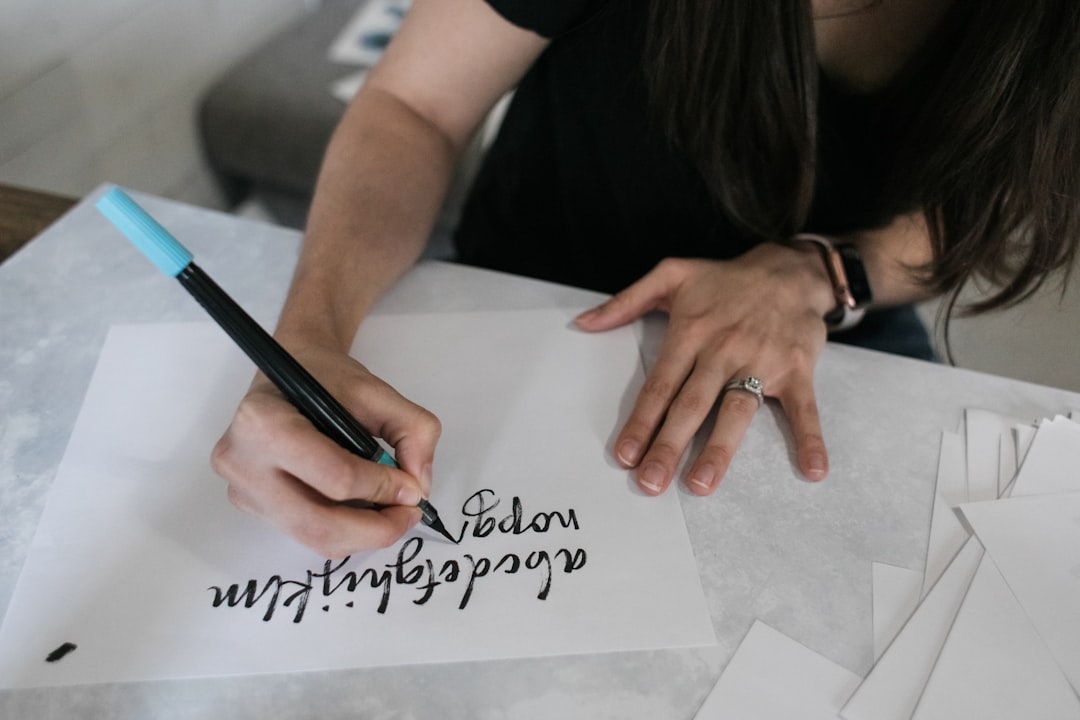
Fontself is technically a plugin for Illustrator and Photoshop, but it’s worth talking about. With it, you can make fonts straight from your own handwriting or illustrations.
- Create typefaces from drawings or sketched letters.
- Perfect for custom branding or personal projects.
- No coding or advanced software skills needed.
Think of it as turning your doodles into usable, professional fonts. Pretty neat, right?
4. Lunacy – Free and Feature-Rich
Lunacy is often overshadowed by apps like Sketch, but it’s incredibly powerful—and totally free.
- Works offline (perfect for working on the go).
- Built-in text styles, typography presets, and layout tools.
- Supports .sketch files without needing Sketch.
Designers love its slick interface and smart object tools. It’s a game-changer for anyone tired of bloated software.
5. Vectr – Simple Yet Mighty
If you’re just getting started in design, Vectr is a fantastic pick. Its clean, no-fuss layout helps you focus on what matters—good design.
- Totally free with both desktop and online versions.
- Easy learning curve, perfect for newcomers.
- Basic but handy typography tools included.
Not every project needs complex features. Sometimes, you just need to get your ideas out fast and clean. Vectr helps you do exactly that.
6. Misprinted Type – Fonts That Break the Rules
Okay, it’s not a design app in the traditional sense. But Misprinted Type is a resource full of wild and grungy fonts made by a Brazilian designer named Eduardo Recife.
- High-quality, hand-crafted fonts you won’t find anywhere else.
- Perfect for punk, vintage, or experimental designs.
- Free and paid options available.
If you want your typography to stand out—and break away from the polished norm—these fonts are gold.
7. TypeLit – Learn to Type and Design Better
This one’s a little offbeat, but hear us out. TypeLit is an online app that lets you practice typing using famous literature. Sounds weird, right?
- Improves your typing while letting you observe how great text is structured.
- Great for typesetters or copy-based layout designers.
- Helps you appreciate the balance of words on a page.
It’s a form of active reading, one that trains your eyes and hands at the same time. Bonus: It’s oddly calming.
Image not found in postmetaWhy These Tools Matter
Design is about more than just looking good. It’s about finding the right tools that match your creativity. These underrated apps help you focus on craft—both the typography and the layout.
Because sometimes, the big names are just too much. You get overwhelmed with features. Your workspace becomes cluttered. These apps strip away the noise and bring your focus back to designing.
Tips to Make the Most of These Tools
- Experiment often – Play with new styles and formats.
- Mix tools – Use Glyphs Mini for fonts and Gravit for layout.
- Save versions – Don’t be afraid to iterate your designs.
- Collect inspiration – Fonts from Misprinted Type can spark new layouts.
- Practice and play – Design shouldn’t feel like a chore.
Final Thoughts
Being a designer isn’t about having the most expensive software. It’s about staying curious, exploring ideas, and using the tools that spark your creativity. These 7 underrated apps might just change the way you design—whether you’re building a poster, branding a company, or just typing your name in a beautiful font.
Happy designing!