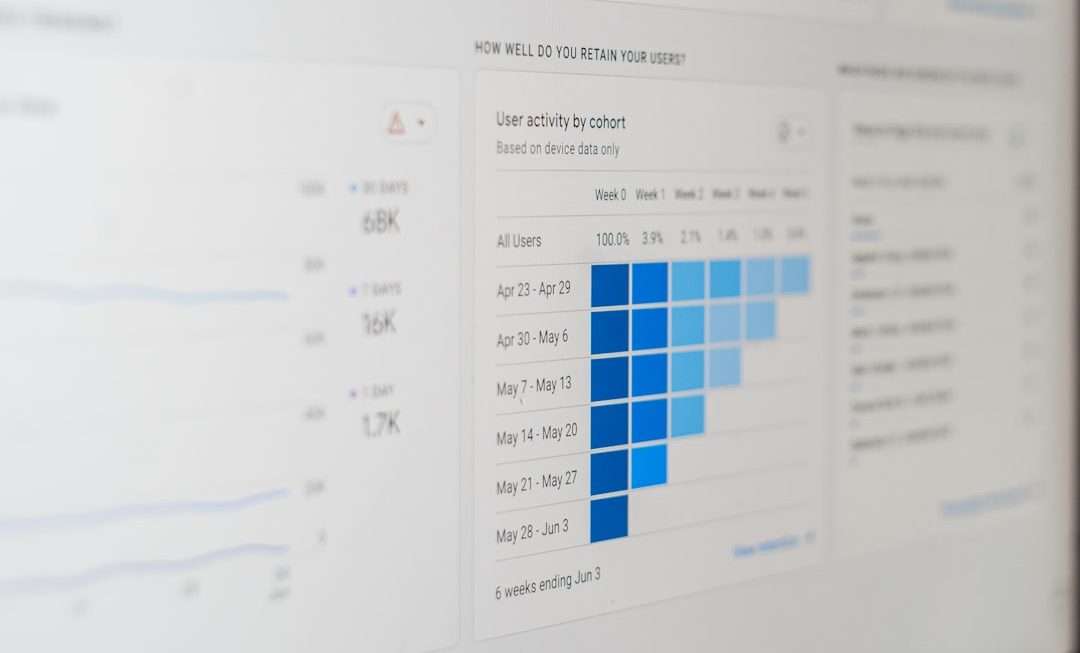
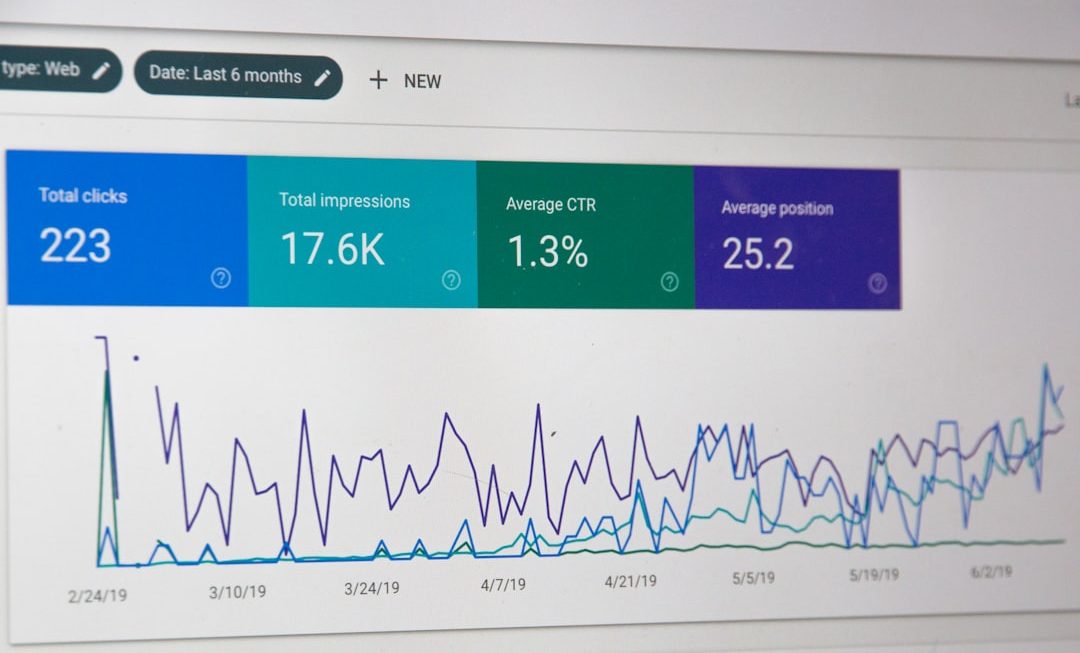
In today’s fiercely competitive digital landscape, even the smallest change to a user interface can dramatically influence user behavior. A different button color, a simplified form, or a rearranged navigation bar can mean the difference between a bounce and a conversion. That’s where A/B testing software for experimenting with user interfaces becomes indispensable. These platforms empower teams to systematically test variations of design elements, measure real user responses, and optimize experiences based on data rather than guesswork.
TLDR: A/B testing software allows teams to compare two or more variations of a user interface element to determine which performs better. It replaces subjective design decisions with measurable insights and helps improve conversions, engagement, and user satisfaction. Modern tools offer features like visual editors, advanced targeting, statistical analysis, and personalization. Choosing the right platform depends on your team’s technical expertise, traffic volume, and experimentation goals.
What Is A/B Testing in User Interface Design?
A/B testing (also known as split testing) is the controlled comparison of two versions of a webpage, app screen, or specific UI component to see which performs better. Version A is typically the original, and Version B contains a modification—such as a different headline, layout, CTA button, or color scheme.
The goal is simple: measure user behavior and determine which variation produces better results according to predefined metrics like:
- Conversion rate
- Click-through rate (CTR)
- Time on page
- Bounce rate
- Revenue per visitor
Instead of relying on intuition, teams can make decisions grounded in statistically significant data.
Why A/B Testing Software Matters
Experimentation without proper software is slow, error-prone, and difficult to scale. Dedicated A/B testing tools streamline the process by:
- Randomly assigning visitors to variations
- Tracking user interactions automatically
- Calculating statistical significance
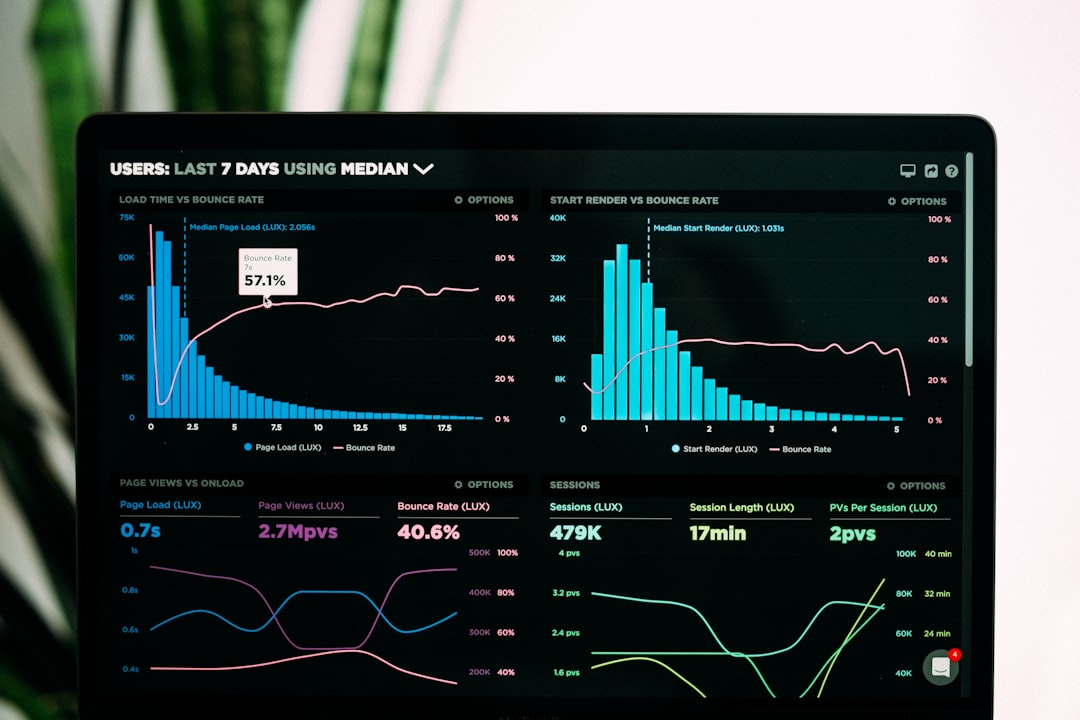
- Reporting insights in visual dashboards
- Integrating with analytics and marketing tools
This automation enables faster experimentation cycles, leading to continuous interface improvements.
Key Features to Look For
Not all A/B testing tools are created equal. When evaluating platforms, consider the following core features:
1. Visual Editor
A drag-and-drop visual editor allows non-technical team members to create test variations without writing code. This lowers the barrier to experimentation and accelerates deployment.
2. Code-Based Flexibility
For advanced teams, the ability to run server-side tests or manipulate backend logic is essential for testing deeper functionality and performance changes.
3. Audience Targeting
The best tools let you segment experiments by geography, device type, traffic source, behavior, or user attributes.
4. Multivariate Testing
Beyond simple A/B testing, multivariate testing evaluates multiple variables simultaneously to identify the highest-performing combination.
5. Statistical Rigor
Accurate confidence intervals, Bayesian or frequentist models, and real-time significance calculations are critical for reliable results.
6. Integrations
Seamless integration with analytics platforms, CRM systems, and marketing automation tools enhances data interpretation.
Popular A/B Testing Software Platforms
Here are some widely used tools for experimenting with user interfaces:
- Optimizely
- VWO (Visual Website Optimizer)
- Google Optimize 360 alternatives
- AB Tasty
- Convert
Comparison Chart
| Tool | Best For | Visual Editor | Server-Side Testing | Personalization | Pricing Tier |
|---|---|---|---|---|---|
| Optimizely | Enterprise teams | Yes | Yes | Advanced | Premium |
| VWO | Mid-size businesses | Yes | Limited | Yes | Mid-range |
| AB Tasty | Ecommerce brands | Yes | Yes | Strong | Mid to Premium |
| Convert | Agencies, privacy-focused teams | Yes | Limited | Moderate | Flexible |
Each platform offers unique strengths, so the best choice depends on your experimentation maturity and technical resources.
How A/B Testing Improves User Interfaces
Effective UI experimentation goes far beyond button color tests. It enables data-driven design decisions that enhance usability, accessibility, and performance.
Optimizing Call-to-Action Buttons
Small changes in wording—such as switching from “Submit” to “Get My Free Trial”—can significantly impact user motivation.
Refining Navigation Structures
Testing menu organization can reduce cognitive load and help users find what they need faster.
Simplifying Forms
Removing unnecessary fields often increases completion rates.
Designing for Mobile Users
Responsive adjustments, button positioning, and mobile-specific layouts can be optimized through device-targeted experiments.
The A/B Testing Process Step by Step
Successful experimentation follows a structured methodology:
- Identify a Problem: Use analytics and heatmaps to uncover friction points.
- Form a Hypothesis: Predict how a change will improve performance.
- Create Variations: Design a modified version of the UI element.
- Run the Test: Split traffic evenly and collect data.
- Analyze Results: Wait for statistical significance before declaring a winner.
- Implement and Iterate: Apply the winning variation and continue testing.
This iterative cycle fosters a culture of continuous improvement.
Common Mistakes to Avoid
Despite its straightforward concept, A/B testing often fails due to avoidable missteps:
- Testing too many variables at once without sufficient traffic
- Stopping tests prematurely before achieving statistical significance
- Ignoring segmentation insights
- Running experiments without clear hypotheses
- Failing to document results for future reference
A disciplined, hypothesis-driven approach ensures meaningful outcomes.
Beyond A/B: Advanced Experimentation
Modern experimentation platforms go beyond simple split tests:
Multivariate Testing
This method evaluates multiple combinations of elements simultaneously, such as headlines, images, and CTA text.
Personalization
Tools can dynamically tailor interfaces based on user behavior, purchase history, or demographics.
Feature Flagging
Server-side testing with feature flags allows safe rollouts of backend changes without full deployment.

How A/B Testing Software Supports Business Growth
Consistent UI experimentation drives measurable business outcomes:
- Higher Conversion Rates: Even a 1% improvement can generate substantial revenue growth.
- Improved User Retention: Enhanced user journeys reduce churn.
- Reduced Risk: Test ideas before committing to full launches.
- Data-Driven Culture: Decisions become evidence-based rather than opinion-based.
Over time, this experimentation culture compounds into a significant competitive advantage.
Choosing the Right Tool for Your Team
When selecting A/B testing software for user interface experimentation, consider:
- Your monthly traffic volume
- Whether your team requires visual or code-based testing
- Your need for enterprise scalability
- Compliance and data privacy requirements
- Available budget
Start with clear experimentation goals and choose a solution that aligns with your long-term growth strategy.
The Future of UI Experimentation
The future of A/B testing software is increasingly intelligent and automated. Artificial intelligence is beginning to suggest test variations, predict winning designs, and dynamically allocate traffic based on performance trends. Additionally, privacy-first experimentation is becoming essential as data regulations tighten globally.
As digital experiences grow more complex, user expectations also rise. Companies that regularly experiment, measure, and refine their interfaces will outperform those that rely on static designs.
Final Thoughts
A/B testing software for experimenting with user interfaces has transformed how teams approach design decisions. It turns subjective debates into objective analysis and empowers organizations to create user-centered experiences backed by real-world data. Whether you’re optimizing a landing page, refining an onboarding experience, or rolling out new product features, systematic experimentation ensures that every improvement is measurable.
In a digital world where user attention is scarce and competition is intense, informed design isn’t just helpful—it’s essential. With the right A/B testing tool and a commitment to continuous experimentation, your user interface can evolve from merely functional to exceptionally effective.