Legal billing has moved far beyond the exchange of paper invoices, spreadsheets, and manual approvals. For corporate legal departments, law firms, and legal operations teams, billing is now a controlled business process that must support accuracy, transparency, compliance, and cost discipline. eBilling software enables legal teams to automate the repetitive and error-prone parts of billing while preserving the professional judgment required for legal spend management.
TLDR: Legal teams use eBilling software to automate invoice submission, review, approval, and payment tracking. These systems apply billing guidelines, flag errors, route invoices to the right reviewers, and provide real-time visibility into legal spend. The result is fewer manual tasks, stronger compliance, and better control over outside counsel costs.
Why Legal Billing Needs Automation
Legal billing is uniquely complex. Unlike many business expenses, legal invoices often contain detailed time entries, task codes, expense categories, matter references, rate arrangements, and jurisdiction-specific requirements. A single invoice may include work from multiple attorneys, paralegals, consultants, and vendors. Without automation, reviewing that invoice can require hours of manual checking.
Manual billing workflows also create operational risks. Invoices may be sent to the wrong person, sit in an inbox for weeks, or be approved without proper scrutiny. Billing guideline violations can go unnoticed, duplicate charges may be paid, and finance teams may struggle to reconcile legal expenses with budgets. Over time, these inefficiencies can lead to unnecessary costs and strained relationships between legal, finance, and outside counsel.
eBilling software addresses these problems by standardizing the billing process. It creates a centralized platform where invoices are submitted, validated, reviewed, adjusted, approved, and reported on. This allows legal teams to move from reactive invoice handling to a more disciplined and data-driven approach.
Centralized Invoice Submission
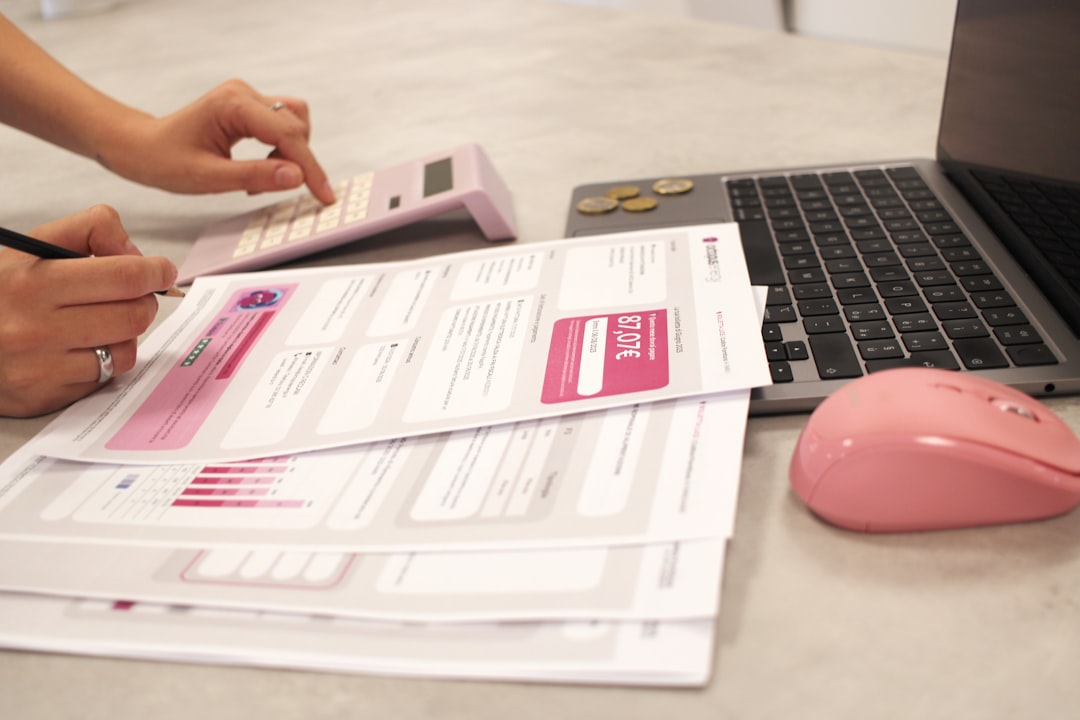
One of the first ways eBilling software automates billing workflows is by creating a single point of invoice submission. Instead of receiving invoices by email, mail, or individual file-sharing links, legal teams require law firms and vendors to submit invoices through the eBilling platform.
This centralization provides immediate benefits. Each invoice is matched to a specific matter, vendor, billing period, and responsible internal reviewer. The system can require mandatory fields before submission, reducing incomplete or incorrectly formatted invoices. It can also ensure that invoices follow standard formats such as LEDES, which is widely used for legal electronic billing.
For outside counsel, this creates clearer expectations. For in-house legal teams, it reduces administrative follow-up and helps ensure that every invoice enters the same controlled workflow. The invoice is no longer just a document; it becomes structured data that can be reviewed, analyzed, and managed.
Automated Billing Guideline Enforcement
Most corporate legal departments maintain billing guidelines for outside counsel. These may specify approved hourly rates, prohibited expenses, staffing rules, travel policies, block billing restrictions, and documentation requirements. However, guidelines are only effective if they are consistently enforced.
eBilling software can automatically compare submitted invoices against established billing rules. If a timekeeper bills at a rate higher than the approved rate, the system can flag the issue. If an expense category is not reimbursable, the system can reject or reduce the charge. If a time entry lacks sufficient description, it can be routed for further review.
Common automated checks include:
- Rate validation: Confirming that hourly rates match approved fee agreements.
- Matter verification: Ensuring charges are connected to an authorized legal matter.
- Duplicate invoice detection: Identifying repeated invoice numbers or overlapping billing periods.
- Expense policy checks: Flagging noncompliant travel, meals, research, or administrative costs.
- Task code review: Confirming that work is categorized properly for reporting and analysis.
- Block billing detection: Highlighting time entries that combine multiple tasks into one vague description.
Automation does not replace legal judgment, but it does provide a reliable first layer of review. Reviewers can focus on meaningful legal and business questions rather than hunting for basic billing errors.
Workflow Routing and Approval Controls
Legal invoices often require approval from more than one person. A matter manager may need to review the substance of the work, a legal operations professional may need to evaluate compliance with billing rules, and a finance representative may need to confirm budget coding. Without automation, this routing can become slow and inconsistent.
eBilling software automates approval workflows based on predefined rules. For example, invoices below a certain amount may route to one reviewer, while high-value invoices may require additional approval from the general counsel or finance leadership. Invoices for specific practice areas, regions, or business units can be directed to the appropriate internal stakeholders.
Automated routing improves accountability because every step is tracked. The system records who reviewed the invoice, when it was reviewed, what adjustments were made, and why those adjustments occurred. This audit trail is particularly important for organizations subject to internal controls, regulatory oversight, or strict financial governance.
Approval automation also reduces delays. Instead of relying on informal reminders, the system can send notifications, escalation alerts, and status updates. This helps legal teams meet payment deadlines, maintain positive vendor relationships, and avoid unnecessary late fees.
Invoice Adjustments and Dispute Management
Not every invoice can be approved as submitted. Legal departments may need to reduce charges, request clarification, or reject specific line items. When this process is handled by email, it can become confusing and difficult to document.
eBilling software provides a structured method for invoice adjustments and disputes. Reviewers can apply reductions directly to line items and select standardized reason codes. Outside counsel can view the adjustment, provide additional explanation, or revise and resubmit the invoice as permitted by the organization’s policies.
This creates a more professional and transparent process. Law firms understand why a charge was adjusted, and legal departments retain a clear record of the decision. Over time, this data can also reveal recurring issues, such as firms that frequently submit noncompliant expenses or time entries that lack detail.
Improved Visibility into Legal Spend
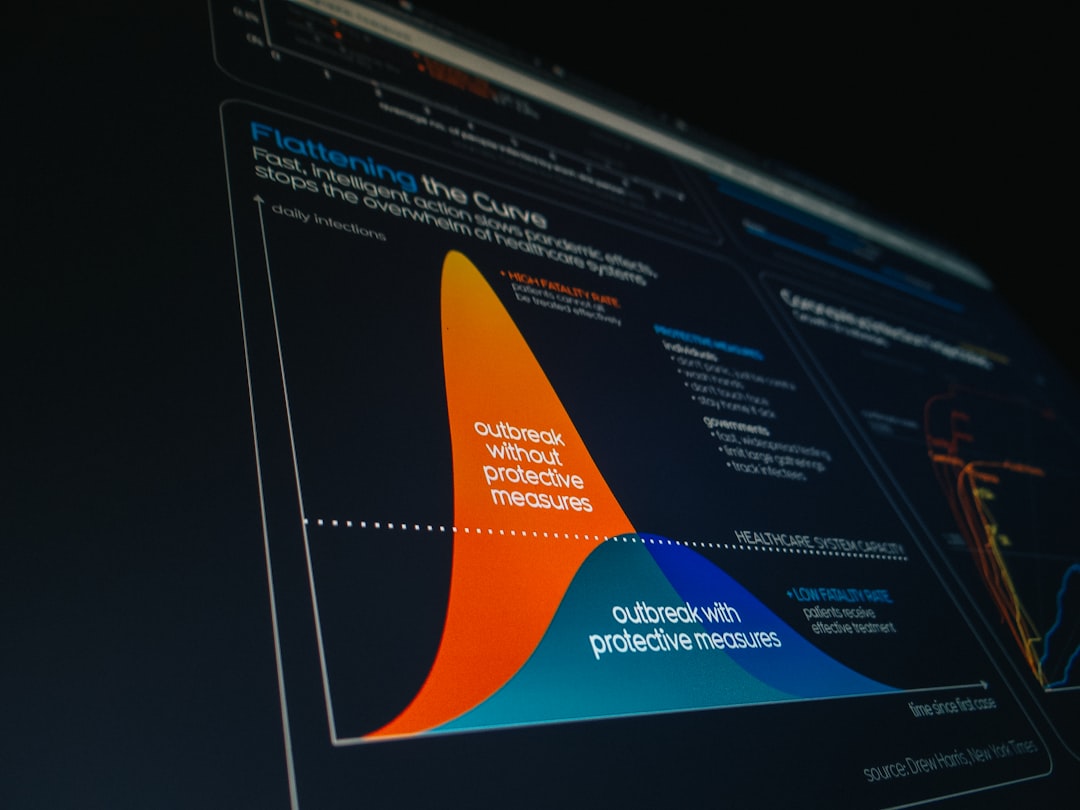
One of the most valuable outcomes of eBilling automation is better visibility into legal spend. When invoices are processed manually, legal departments often do not have timely or accurate insight into what has been spent, what is pending, and how costs compare to budgets. Reports may require manual spreadsheet work and may become outdated quickly.
With eBilling software, billing data is captured in real time. Legal leaders can review spend by matter, law firm, practice area, business unit, geography, or period. They can compare actual costs against budgets and identify matters that are trending above expectations.
This visibility supports better decision-making. For example, a legal department may discover that a particular type of matter consistently exceeds budget after a certain litigation phase. It may identify firms that deliver strong results at competitive rates or uncover inefficient staffing patterns. These insights can inform future matter planning, panel firm selection, rate negotiations, and alternative fee arrangements.
In a mature legal operations environment, eBilling is not merely an invoice tool. It becomes a source of financial intelligence.
Integration with Matter Management and Finance Systems
Billing automation is most effective when connected to the broader legal and financial ecosystem. Many eBilling platforms integrate with matter management systems, enterprise resource planning systems, accounting platforms, and payment systems.
When eBilling is integrated with matter management, invoices can be tied directly to matter details such as status, risk level, assigned counsel, budget, and business owner. This makes it easier to understand spending in context. A high invoice may be reasonable for a complex litigation matter, but excessive for a routine contract review.
Integration with finance systems also reduces duplicate data entry. Once an invoice is approved in the eBilling platform, relevant payment information can flow to accounts payable. This helps ensure that approved invoices are paid according to company procedures and that financial records remain consistent.
Key integration benefits include:
- Reduced manual entry between legal and finance systems.
- More accurate accruals and period-end reporting.
- Improved budget tracking across matters and departments.
- Cleaner audit trails from invoice submission through payment.
- Faster reconciliation between approved legal spend and financial ledgers.
Budgeting, Forecasting, and Accrual Automation
Legal departments are increasingly expected to operate with the financial discipline of other business functions. This includes setting budgets, forecasting spend, and providing accurate accruals to finance. Manual processes make these responsibilities difficult, especially when there are many active matters and multiple law firms.
eBilling software can automate budget tracking by comparing invoices against approved matter budgets. When spending approaches a defined threshold, the platform can alert matter owners or require additional review. Some systems allow outside counsel to submit budgets directly in the platform, making it easier to compare planned work with actual charges.
Accrual management can also be automated. Instead of chasing firms by email for unbilled estimates, legal teams can request accrual submissions through the system. Firms enter expected but not yet invoiced amounts, and the legal department can review this information centrally before sending it to finance. This improves financial reporting and reduces last-minute administrative pressure at month-end or quarter-end.
Data Security and Compliance Considerations
Legal invoices often contain sensitive information. They may reference litigation strategy, regulatory investigations, employment disputes, intellectual property matters, transactions, or confidential business operations. Therefore, automation must be paired with strong security and access controls.
Reliable eBilling software typically includes role-based permissions, secure data transmission, audit logging, and controlled access for law firms and internal users. Legal teams can limit who sees particular matters, invoices, or reports. This is especially important for organizations with confidential investigations, privileged matters, or regional data protection obligations.
Compliance is also enhanced through consistent process design. Standard workflows reduce the chance that invoices are approved outside policy. Audit records help demonstrate that the organization followed appropriate review and approval procedures. For regulated industries, this level of control can be essential.

Change Management and Implementation
Adopting eBilling software is not simply a technology project. It is also a process and behavior change. Legal teams should define billing guidelines clearly, establish approval roles, communicate expectations to outside counsel, and train users on the platform.
A thoughtful implementation usually begins with an assessment of current billing practices. Legal operations leaders should identify pain points, such as delayed approvals, inconsistent invoice review, poor spend visibility, or frequent billing disputes. These findings can guide system configuration and workflow design.
Successful implementation often includes the following steps:
- Documenting billing guidelines in clear, practical language.
- Configuring automated rules that reflect actual policies and fee agreements.
- Mapping approval workflows for different matter types and invoice values.
- Training internal reviewers on how to evaluate and adjust invoices.
- Onboarding outside counsel with clear submission procedures and timelines.
- Monitoring early results to refine rules and improve adoption.
Organizations should avoid over-automating at the beginning. If too many rules are applied too aggressively, legitimate invoices may be delayed and users may lose confidence in the system. A measured approach allows teams to build trust while gradually improving compliance and efficiency.
How Automation Changes the Role of Legal Teams
When billing workflows are automated, legal professionals spend less time on administrative tasks and more time on higher-value analysis. Matter managers can focus on whether the work performed was appropriate and strategically aligned. Legal operations teams can assess trends, negotiate better arrangements, and improve vendor performance. Finance teams can rely on cleaner data and more predictable processes.
This shift is important because legal departments are under increasing pressure to demonstrate value. Automation helps them show not only how much was spent, but why it was spent and whether it was managed responsibly. It also strengthens relationships with outside counsel by making expectations clearer and reducing subjective or inconsistent invoice handling.
Conclusion
eBilling software gives legal teams a structured, auditable, and efficient way to manage legal invoices from submission to payment. By automating invoice intake, guideline enforcement, approvals, adjustments, reporting, and integrations, these platforms reduce manual effort and improve financial control.
For legal departments that manage significant outside counsel spend, automation is no longer just a convenience. It is a practical foundation for disciplined legal operations, stronger compliance, and more informed decision-making. The most successful teams use eBilling not only to process invoices faster, but to build a clearer, more accountable view of the legal work their organizations depend on.