Video content is everywhere. On social media. On websites. In ads. In emails. But creating videos the old way takes time, money, and skills not everyone has. Cameras. Editors. Actors. Scripts. It adds up fast.
That is where AI video generation tools shine. They help you turn ideas into videos in minutes. Not weeks. You do not need to be a tech expert. You just need an idea and a few clicks.
TLDR: AI video tools help you create professional videos in minutes without expensive equipment or editing skills. Tools like Synthesia, Pictory, Runway, and InVideo AI can turn text into videos, generate avatars, edit footage, and automate production. They save time, reduce costs, and boost creativity. If you create content regularly, these tools can dramatically speed up your workflow.
Let’s explore four powerful AI video generation tools that help you produce content faster and smarter.
1. Synthesia – Create AI Avatar Videos in Minutes
Synthesia is perfect if you want a human presenter in your video. But you do not want to hire an actor.
It lets you type a script and turn it into a video with a realistic AI avatar. The avatar speaks your words. In many languages. With natural lip-sync.

Why It’s Fast
- No camera needed
- No microphone needed
- No actors required
- No complicated editing
You simply:
- Choose an avatar
- Paste your script
- Select a voice and language
- Click generate
Done.
Best For
- Training videos
- HR onboarding content
- Internal company updates
- Explainer videos
If you run a business, this tool can replace hours of production work. Need to update a policy video? Just change the script and export again.
Speed level: Extremely high.
2. Pictory – Turn Blog Posts Into Videos
Pictory is a dream tool for content marketers. Especially bloggers.
Have a long article? Paste the link. Pictory automatically turns it into a short, engaging video. It picks visuals. Adds captions. Creates scenes. And even suggests music.
You can also paste a script instead of a blog post.
Why It’s Fast
- Automatically extracts key points
- Matches stock visuals to your text
- Adds subtitles automatically
- Formats for social media
This is powerful because short-form video rules social platforms. But editing short videos daily is exhausting. Pictory cuts that workload down massively.
Best For
- YouTube Shorts
- Instagram Reels
- LinkedIn video content
- Repurposing blog posts
You can turn one blog article into five short videos. That is content multiplication without extra writing.
Speed level: Very high.
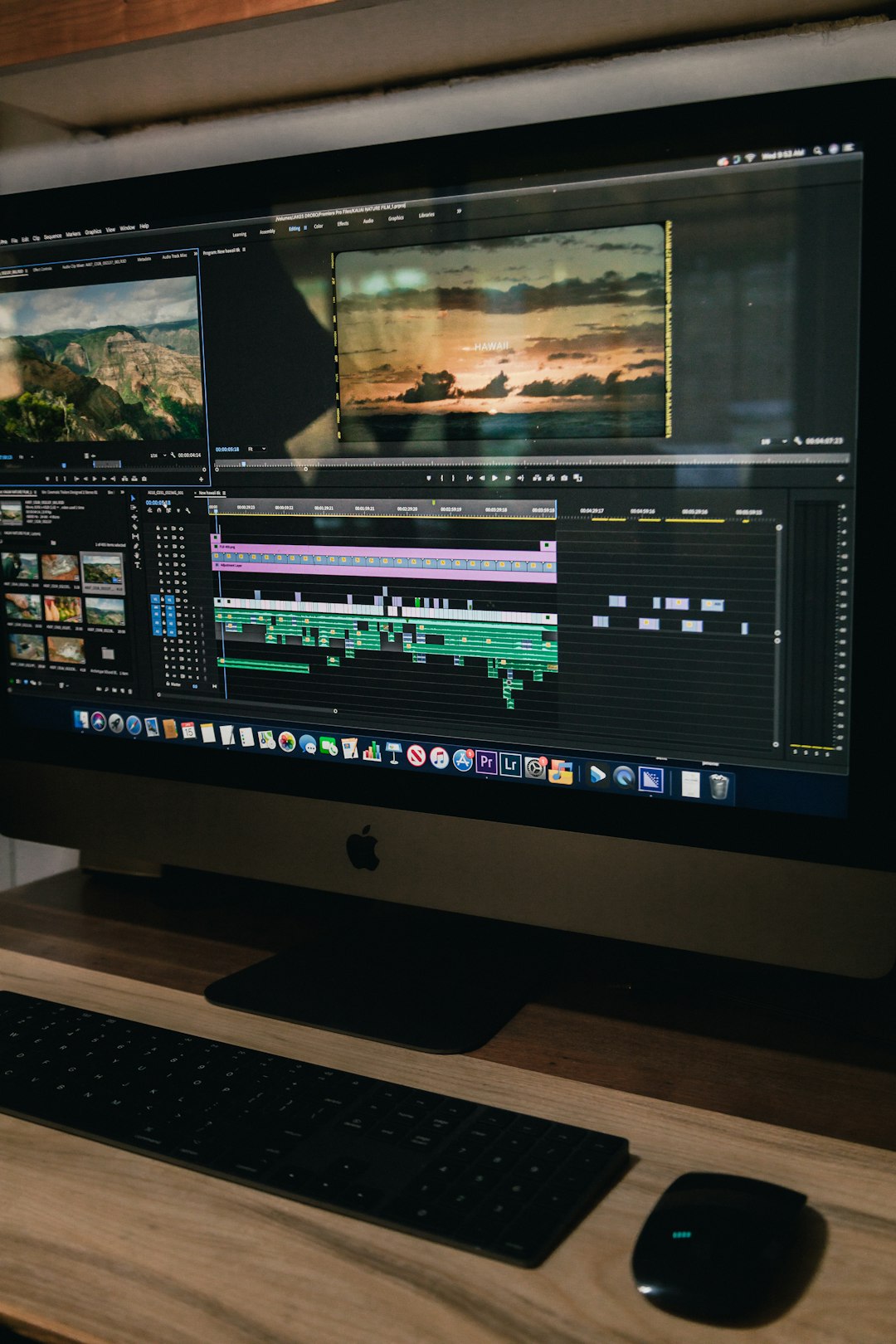
3. Runway – AI Video Editing Magic
Runway feels like video editing from the future.
It does more than basic generation. It can remove backgrounds. Erase objects. Generate video from text prompts. Even create new scenes.
If you have ever wished for a “magic erase” button in video editing, this is it.
Why It’s Fast
- Remove objects without manual masking
- Auto background removal
- Text-to-video generation
- Smart motion tracking
Traditional editing can take hours to clean up footage. Runway reduces that to minutes.
For example:
- Someone walks into your shot? Remove them.
- Messy background? Replace it.
- Need B-roll? Generate it.
Best For
- Content creators
- Filmmakers
- YouTubers
- Creative agencies
If you care about visual quality but want to move fast, Runway is powerful.
Speed level: High for editors. Very high for creative effects.
4. InVideo AI – Script to Full Video in One Workflow
InVideo AI is designed for simplicity.
You type a prompt like: “Create a 60-second Instagram video about healthy morning routines.”
The tool writes a script. Finds visuals. Adds music. Creates scenes. And generates the full video.
All from one prompt.
Why It’s Fast
- Prompt-based video creation
- Pre-made templates
- Automated voiceovers
- Drag-and-drop editing
This makes it beginner friendly. You do not need editing experience. You just describe what you want.
Best For
- Small businesses
- Social media managers
- Affiliate marketers
- Solo entrepreneurs
If you need fast promo videos regularly, this tool saves serious time.
Speed level: Very high for marketing content.
Quick Comparison Chart
| Tool | Best For | Main Feature | Ease of Use | Speed Boost |
|---|---|---|---|---|
| Synthesia | Training and corporate videos | AI avatars with voice | Very easy | Excellent |
| Pictory | Blog to social video | Automatic text to video | Easy | Very high |
| Runway | Creative editing | AI powered editing tools | Moderate | High |
| InVideo AI | Marketing videos | Prompt to full video | Very easy | Very high |
How These Tools Save You Time
Let’s break this down simply.
1. No Technical Setup
No cameras. No lighting kits. No complex software. Most of these tools live in your browser.
2. Automation
AI handles scripting, voiceovers, subtitles, and even visuals.
3. Templates
Pre-built layouts reduce decision fatigue. You just customize and export.
4. Easy Edits
Need to fix a word? Change a script instead of re-filming.
This is a huge shift from traditional video production.
Who Should Use AI Video Tools?
Almost anyone creating content online.
- Business owners who want brand authority
- Coaches building online courses
- Influencers posting daily content
- Startup teams launching products
- Marketing agencies handling multiple clients
If video is part of your strategy, AI helps you scale.
Are There Any Downsides?
Yes. A few.
- AI avatars may not fully replace real human presence
- Generated visuals can sometimes feel generic
- Advanced customization may be limited
But here is the key: these tools are improving fast. Very fast.
And for speed? They are hard to beat.
Tips to Get Better Results
AI works best when your input is clear.
Be Specific
Instead of saying “make a marketing video,” say “create a 30-second energetic Instagram ad for a fitness app targeting young professionals.”
Keep Scripts Simple
Short sentences work better. Clear transitions help narration sound natural.
Add Your Branding
Upload your logo. Use your brand colors. Choose consistent fonts.
Test Different Formats
Create one long video. Then cut it into short clips using AI.
The more you experiment, the faster you get.
The Future of Video Creation
We are moving toward instant content.
Ideas will turn into videos in seconds. Personalized videos will be generated automatically for different audiences. Language barriers will disappear with instant translation.
AI video is not replacing creativity. It is removing technical friction.
You still need good ideas. You still need storytelling.
But now? You can execute faster than ever before.
Final Thoughts
If you have been delaying video creation because it feels overwhelming, this is your sign to start.
Synthesia is perfect for presenter-led content.
Pictory shines for turning articles into shareable clips.
Runway upgrades your editing process.
InVideo AI makes full video production simple and fast.
Each tool solves a different problem. But they all do one thing very well.
They help you move faster.
And in the world of content creation, speed matters.
The best part? You do not need a studio anymore. You just need an idea and the right AI partner.