In the fast-paced world of design, indie creators need tools that are powerful, cost-effective, and reliable. AI-generated images can take hours—or subscriptions—to get just right, and tools like Midjourney often come with a hefty price tag. The good news? There are hidden gems out there that allow independent designers to create stunning textures and unique backgrounds without breaking the bank.
TLDR:
Midjourney is not the only game in town when it comes to generating AI artwork. There are several lesser-known, budget-friendly tools that indie designers routinely use to create one-of-a-kind backgrounds and textures. The top four include Playground AI, Artbreeder, Wombo Dream, and NightCafe Studio. Each offers creative flexibility with minimal or no cost, making them essential for design work in 2024.
1. Playground AI – The Freeform Text-to-Image Canvas
Playground AI has quietly become one of the most flexible tools in the scene. Touted as the “Photoshop of AI image generation,” it’s a browser-based platform that offers both simple prompts and advanced editing features.
- Free-tier availability: Generate up to 1000 images a day.
- Customization: Offers aspect ratio settings, style presets, and prompt-weight balancing.
- Applications: Ideal for grunge textures, futuristic landscapes, and surreal overlays.
One of its powerful tools is the inpainting feature, allowing users to erase parts of a generated image and re-generate that section with different elements. This effectively gives designers more control over the composition without needing external tools.
Unlike Midjourney, which is heavily stylized, Playground AI lets you dictate the aesthetic more precisely, making it perfect for textured background creation or subtle image enhancement.
2. Artbreeder – Blend and Evolve Visuals Over Time
Artbreeder takes a completely different approach to image generation. Rather than focusing on prompt-based creation, it uses a genetic algorithm to blend and evolve images based on user manipulation of sliders and parameters.
- Unique approach: Breed images together for organic variations.
- High control: Adjust slider controls like “style,” “color,” or “structure.”
- Community focus: Share and remix other users’ creations.
Designers often use Artbreeder to create abstract textile follies, smoky textures, or even retro gaming backgrounds. This tool becomes incredibly powerful when seeking a balance between randomness and control. Unlike text-only AI tools, Artbreeder evolves images based on visual input through DNA-style “genes.”
Its collaborative aspect is also worth noting, since assets are remixable. This can be a goldmine for indie designers in a team or community environment.
3. Wombo Dream – Speedy and Stylistically Bold
Wombo Dream is an app and web-based AI generator known for creating artwork with vivid, dream-like qualities. While simplistic in operation, its style-forward approach makes it perfect for backgrounds and stylized textures.
- One-click render: Very fast generation speeds.
- Art styles: From gothic and synthwave to noir and pastel.
- Free access: Basic use without requiring a subscription.
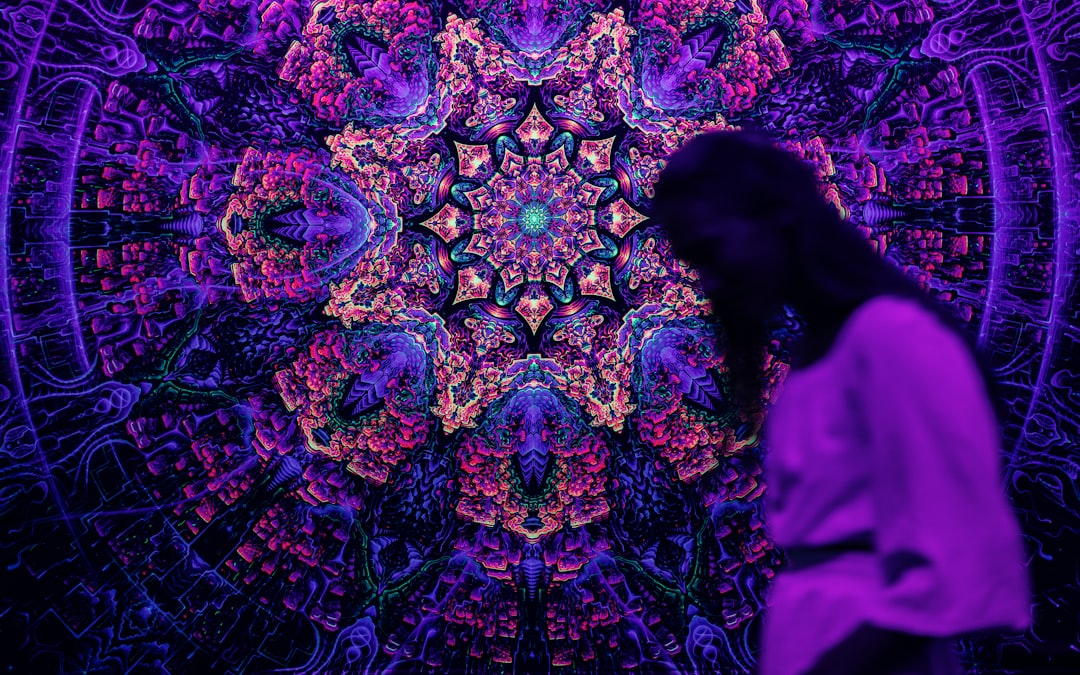
Indie designers who work with vaporwave, web aesthetic, or illustrative UI backdrops find Wombo Dream an absolute gem. The tool lacks the granular controls of other platforms but compensates with speed and artistic output. You can often get a compelling result for mobile app backgrounds with just a few bold prompts.
4. NightCafe Studio – The Balanced Canvas of Control and Creativity
NightCafe Studio sits somewhere between Playground AI and Wombo Dream in terms of control and aesthetics. It supports both prompt-based style transfer and standard diffusion models.
- Credits system: Generous daily free credits for image generation.
- Wide model support: Includes CLIP-guided diffusion, VQGAN, and SDXL.
- Community-driven: Participate in daily challenges and remix artworks.
This makes NightCafe a great sandbox for indie creators who love experimenting. Designers often look to this platform for moody illustrations, painterly overlays, and layered textures that work beautifully with vector-graphic design elements.
NightCafe also has helpful advanced settings like image orientation, runtime steps, and prompt weighting, which allows for a more curated output. You can even re-render one of your older images using a different model to achieve a whole new vibe.
Why Avoid Midjourney?
While Midjourney offers beautiful image generation and artistic filters, it comes with a cost structure that can be restrictive for indie creators on a budget. Moreover, its Discord-based interface isn’t ideal for workflows that need quick iterations, finer prompt control, or layered editing.
All the alternatives mentioned above provide a blend of affordability, visual customization, and output quality. By combining or cycling through more than one of these tools, designers can expand the stylistic range of their work without ever having to rely on the Midjourney ecosystem.
Putting It All Together: Real Indie Workflow Example
A typical workflow for a small indie game designer or UI artist may look like this:
- Start by generating base landscapes using Playground AI for detail-rich textures.
- Use Artbreeder to evolve background figures or patterns organically.
- Add surreal overlays from Wombo Dream for immediate aesthetic punch.
- Enhance or re-style the composite using NightCafe Studio, adjusting color tones and structure.
This rotation of tools allows for creative variety that no single platform offers on its own. Even better, most of these platforms provide either generous free plans or scalable credit systems rather than monthly subscriptions.
FAQ: Indie Designers and AI Image Tools
- Q: Are these tools safe to use commercially?
A: Yes, most of these platforms allow commercial usage of generated images. However, it’s advised to read each platform’s terms of use to confirm the licensing. - Q: Do I need a strong computer to use these AI tools?
A: No, all the tools listed are cloud-based, meaning they work directly from your browser or mobile device without needing heavy computing power. - Q: Can these tools export high-resolution images?
A: Yes, most offer settings for upscale or high-res downloads. Playground AI and NightCafe, in particular, offer advanced resolution settings. - Q: How do these tools compare to Photoshop or Illustrator?
A: These tools are not replacements for Photoshop or Illustrator but serve as complementary tools to generate visual assets that you can later refine in Adobe or similar software. - Q: Is there a way to combine outputs from multiple tools?
A: Definitely. Many indie creators use Photoshop, Krita, or Figma to layer and combine assets generated from different platforms.
With increasing access to sophisticated AI image generation tools, indie creators can now compete at a level once reserved for studios with deep budgets. These hidden tools offer ample room for creative exploration—minus the Midjourney membership fees.