Web development is one of the most accessible and rewarding skills you can learn today. Whether you want to build a personal blog, launch a startup, freelance online, or simply understand how websites work, the barriers to entry have never been lower. With a laptop, an internet connection, and the right free tools, you can start building real, functional websites in just days—not months.
TLDR: You can start web development for free using tools like Visual Studio Code, Chrome DevTools, GitHub, and free hosting platforms. Begin with HTML, CSS, and basic JavaScript, then practice by building small projects. Use online documentation and tutorials to guide you. Consistency and hands-on practice matter more than expensive courses or software.
Why Web Development Is Easy to Start
Web development stands out because it requires minimal setup. Unlike graphic design, video production, or game development, you don’t need powerful hardware or paid software. Modern browsers are powerful development environments, and most essential tools are open source.
You also get instant feedback. Write a few lines of code, refresh your browser, and immediately see results. That tight feedback loop accelerates learning and keeps motivation high.
Step 1: Understand the Core Technologies
Every website is built using three foundational technologies:
- HTML – The structure of the webpage
- CSS – The visual styling and layout
- JavaScript – The interactivity and logic
Think of HTML as the skeleton, CSS as the skin and clothing, and JavaScript as the brain.
You do not need to learn everything at once. Start by understanding what each language does and how they work together.
Step 2: Install a Free Code Editor
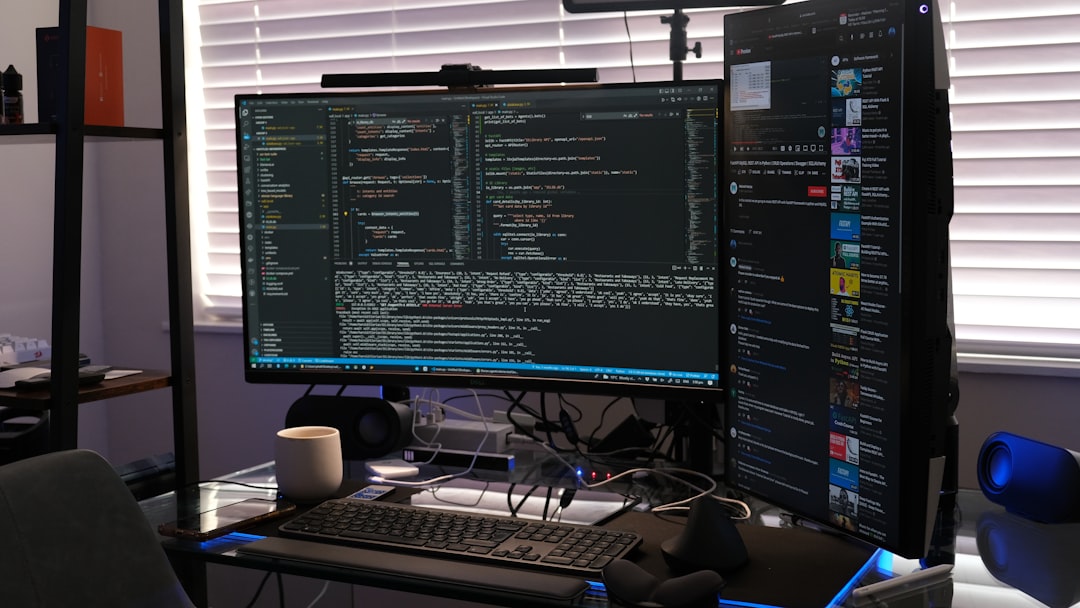
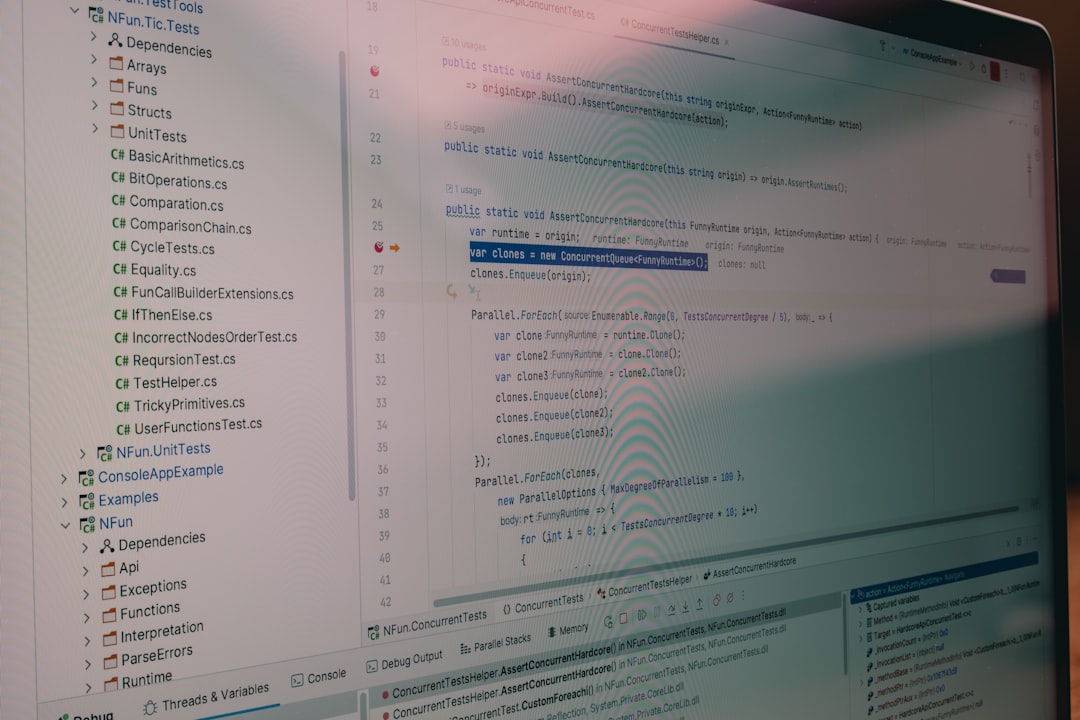
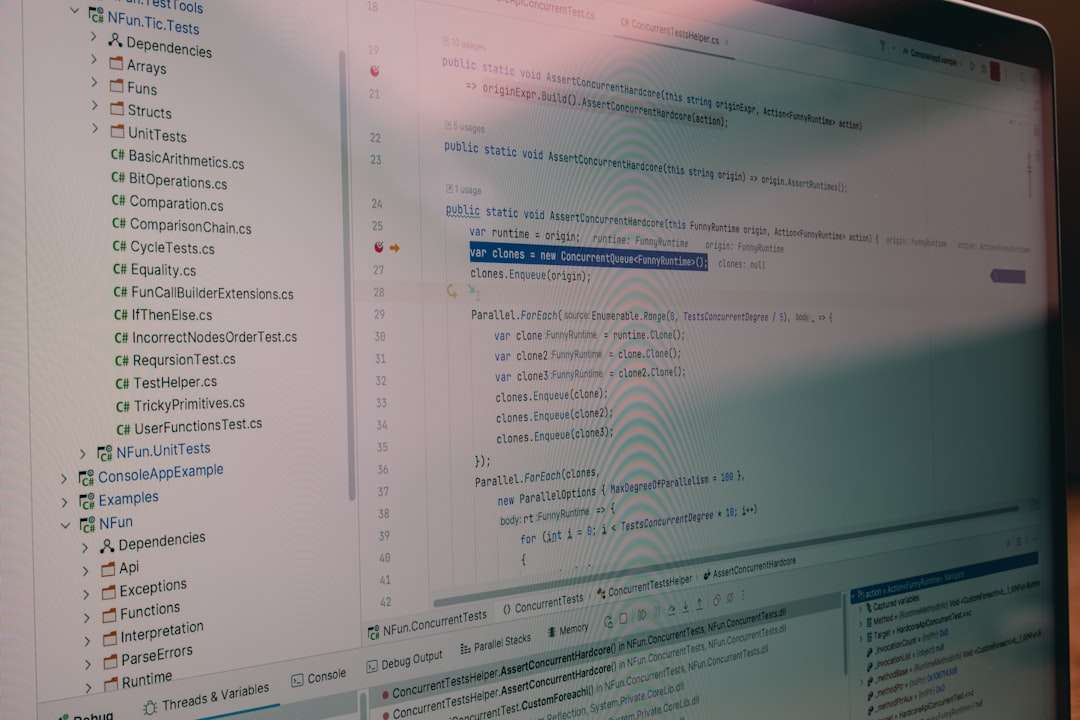
A code editor is where you write your code. The most popular free option is Visual Studio Code (VS Code). It’s lightweight, beginner-friendly, and packed with features:
- Syntax highlighting
- Auto-completion
- Built-in terminal
- Extensions for nearly anything
Other free editors include:
- Sublime Text (free with reminders)
- Notepad++
- VSCodium
Once installed, create a folder called my-first-website, then create an index.html file inside it. That’s your starting point.
Step 3: Use Your Browser as a Development Tool
Your web browser is more powerful than you think. Chrome and Firefox both include built-in developer tools.
Right-click on any webpage and click Inspect. You can:
- View and edit HTML live
- Modify CSS and see changes instantly
- Debug JavaScript code
- Analyze performance
This means you can experiment directly on existing websites and learn how they’re structured.
Image not found in postmeta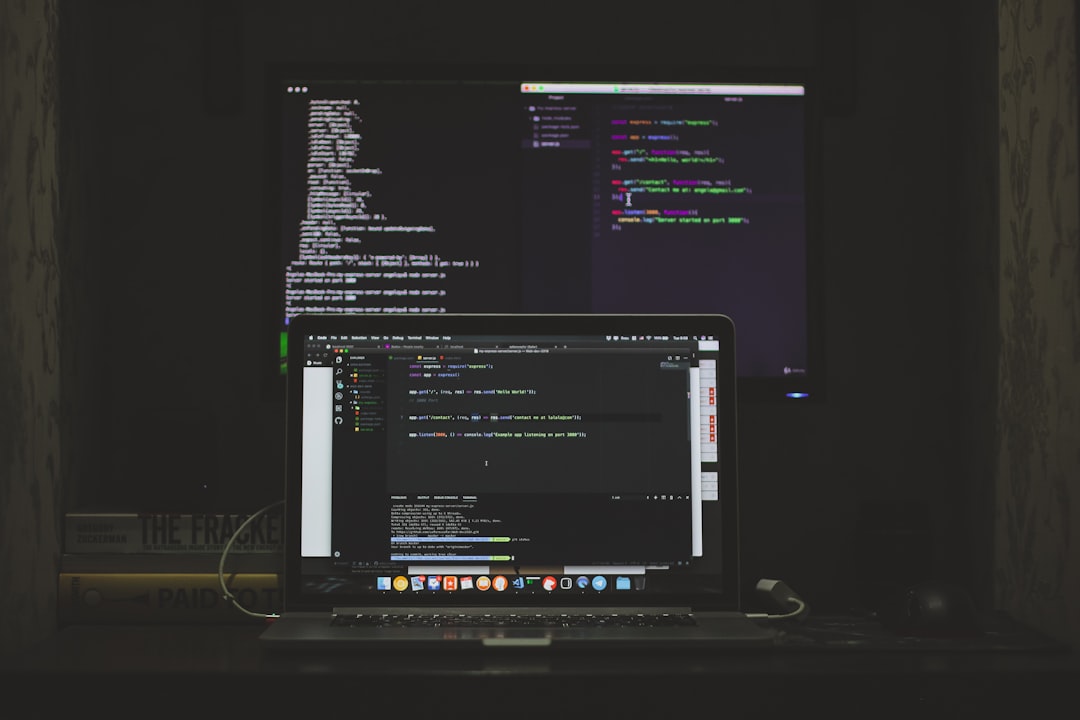
Step 4: Learn HTML the Practical Way
HTML is the easiest place to start. Focus on:
- Headings: <h1> to <h6>
- Paragraphs: <p>
- Links: <a>
- Images: <img>
- Lists: <ul>, <ol>, <li>
- Divs and sections
Instead of memorizing every tag, build something small:
- A personal profile page
- A simple recipe website
- A basic portfolio page
Project-based learning is far more effective than passive reading.
Step 5: Add Style with CSS
Once your page has structure, it’s time to make it visually appealing.
Start with:
- Colors (color, background-color)
- Fonts (font-family, font-size)
- Spacing (margin, padding)
- Layouts (flexbox is beginner-friendly)
Flexbox alone can help you build modern layouts without complex hacks. Learn how to:
- Center elements
- Create navigation bars
- Build responsive rows and columns
If you want to go further, explore free CSS frameworks like Bootstrap or Tailwind CSS—but only after understanding the basics.
Step 6: Make Things Interactive with JavaScript
JavaScript brings life to your website. Start with simple concepts:
- Variables
- Functions
- Events (click, submit)
- DOM manipulation
A simple beginner project could be:
- A button that changes text when clicked
- A dark mode toggle
- A basic to-do list
You don’t need advanced frameworks like React immediately. Master vanilla JavaScript first—it builds a strong foundation.
Step 7: Use Free Learning Resources
You don’t need paid courses to succeed. Some of the best resources are completely free:
- MDN Web Docs – The gold standard documentation
- freeCodeCamp – Structured interactive lessons
- W3Schools – Beginner-friendly references
- YouTube tutorials
Tip: Avoid tutorial overload. Follow one structured path rather than jumping between random videos.
Step 8: Version Control with Git (For Free)
Git helps you track changes in your code and collaborate with others. It may seem intimidating at first, but the basics are simple:
- git init
- git add
- git commit
- git push
Create a free GitHub account and upload your projects. This gives you:
- Backup of your work
- A public portfolio
- Collaboration opportunities
Employers often look at GitHub profiles when hiring junior developers.
Image not found in postmeta
Step 9: Deploy Your Website for Free
Building locally is great—but publishing your work makes it real.
Free hosting platforms include:
- GitHub Pages
- Netlify
- Vercel
You can deploy a static website in minutes. This is a huge motivational boost—seeing your project live on the internet builds confidence.
Step 10: Build Projects, Not Just Tutorials
Here’s the biggest secret to getting started: build consistently.
Try this progression:
- Personal bio page
- Landing page for a fake product
- Responsive portfolio
- Interactive to-do app
- Simple blog layout
Each project should challenge you slightly beyond your comfort zone.
Common Beginner Mistakes to Avoid
- Over-consuming content without building
- Trying to learn multiple frameworks at once
- Quitting when things break (debugging is normal)
- Comparing yourself to advanced developers
Remember: every experienced developer once struggled with basic HTML tags.
Creating a Learning Routine
You don’t need 6 hours per day. Consistency beats intensity.
A simple schedule might look like:
- 30 minutes reading or watching tutorials
- 60 minutes building
- 15 minutes reviewing mistakes
Even 90 minutes daily can produce dramatic improvement within 3–6 months.
When to Move Beyond the Basics
Once you’re comfortable with HTML, CSS, and JavaScript, consider exploring:
- Responsive design principles
- Accessibility basics
- A frontend framework (React, Vue, or similar)
- Backend basics (Node.js)
- APIs and databases
But don’t rush. Depth is more valuable than surface-level exposure to everything.
Final Thoughts
Getting started with web development doesn’t require money—just curiosity and persistence. The tools are free. The documentation is free. The hosting is free. The only real investment is your time.
The best way to begin is simply to begin. Create an HTML file today. Add a heading. Add a paragraph. Style it. Break it. Fix it. Repeat.
Six months from now, you won’t wish you had consumed more tutorials—you’ll be grateful you started building.