Protecting a home computer in 2026 requires more than installing antivirus software and hoping for the best. Criminals increasingly use artificial intelligence, realistic phishing messages, stolen passwords, fake support calls, malicious browser extensions, and compromised smart home devices to reach ordinary users. The good news is that most attacks still succeed because of preventable mistakes. With a disciplined routine and a few strong security habits, you can significantly reduce your risk.
TLDR: Keep your operating system, browser, applications, and router fully updated. Use a password manager, unique passwords, and multi factor authentication for important accounts. Be suspicious of unexpected emails, messages, downloads, pop ups, and phone calls, especially if they create urgency. Back up your files regularly and keep at least one backup disconnected from your computer.
Start With Updates: Your First Line of Defense
Security updates are not optional maintenance; they are emergency repairs for weaknesses that attackers may already be exploiting. In 2026, many home computers are targeted through browsers, office software, PDF readers, messaging apps, video meeting tools, and operating system flaws. If your computer or applications are out of date, you may be exposed even if you are careful online.
Turn on automatic updates for your operating system, browser, and major applications. This includes Windows, macOS, Linux distributions, Chrome, Edge, Firefox, Safari, Microsoft Office, Adobe products, password managers, cloud storage tools, and video conferencing apps. Restart your computer when updates require it. Delaying restarts for weeks can leave known vulnerabilities open.
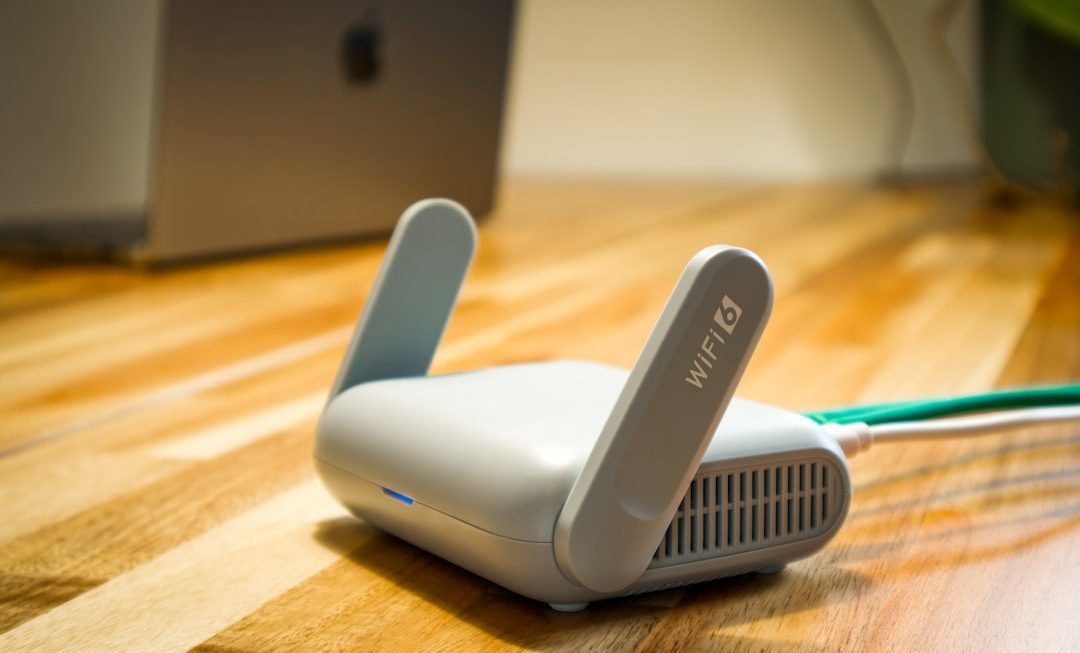
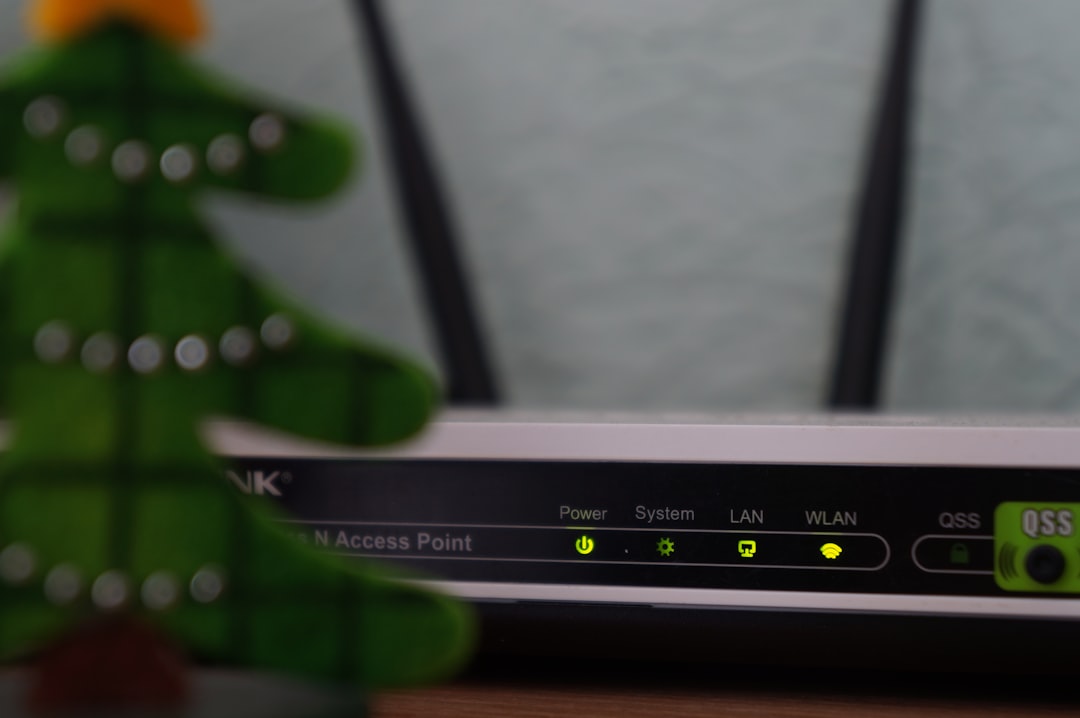
Do not forget your router. Many people never update router firmware, even though the router is the gateway between your home network and the internet. Log in to your router’s administration page and enable automatic firmware updates if available. If your router no longer receives security updates from the manufacturer, replace it.
Use Strong, Unique Passwords for Every Account
Password reuse remains one of the most damaging habits in personal cybersecurity. When one website is breached, criminals test the stolen email and password combination on banking, email, shopping, streaming, and social media accounts. This automated process is called credential stuffing, and it is extremely common.
Use a trusted password manager to create and store unique passwords for every account. A strong password should be long, random, and not based on personal information. You do not need to memorize every password; you only need to protect the master password for your password manager.
For your master password, use a long passphrase that you can remember but others cannot guess. For example, a sequence of unrelated words with numbers or symbols can be stronger and easier to remember than a short complex password. Never store your master password in an unprotected document, email, or note app.
Enable Multi Factor Authentication
Multi factor authentication, often called MFA or 2FA, adds another layer of protection beyond your password. Even if a criminal steals your password, they may not be able to access your account without the second factor.
Use MFA on your most important accounts first:
- Email accounts, because they can reset many other passwords.
- Banking and financial accounts, including payment services.
- Password manager accounts.
- Cloud storage accounts containing documents or photos.
- Social media accounts, which can be used for impersonation.
- Online shopping accounts that store payment details.
Authenticator apps and hardware security keys are generally safer than SMS codes, because text messages can be intercepted or redirected through SIM swapping. If an account supports passkeys or hardware keys, consider using them, especially for email and financial services.
Be Alert to AI Powered Phishing and Scams
Phishing in 2026 can look polished, personal, and convincing. Attackers can use artificial intelligence to write flawless messages, imitate a company’s tone, translate scams into natural language, and even generate realistic voice calls. Poor spelling is no longer a reliable warning sign.
Be cautious when a message asks you to act quickly, open an attachment, scan a QR code, download software, verify your account, or move money. Serious organizations do not usually pressure you with threats such as “your account will be closed in one hour” or “urgent payment required immediately.”
Before clicking, verify the source. Look at the sender address carefully, but do not rely on it alone because addresses can be spoofed or made to look similar. Instead of clicking a link in a message, go directly to the official website by typing the address yourself or using a saved bookmark. If you receive a suspicious call from a bank, employer, delivery company, or government agency, hang up and call the official number listed on their website.
Secure Your Browser and Downloads
Your browser is one of the most important security boundaries on your computer. Keep it updated and avoid installing unnecessary extensions. Browser extensions can read web pages, capture data, inject advertisements, and sometimes steal passwords or session cookies. Only install extensions from reputable sources, and review them regularly.
Use your browser’s built in protections, such as safe browsing, pop up blocking, and download warnings. Be skeptical of free software, cracked programs, unofficial game modifications, and “driver update” tools. These downloads are common sources of malware, spyware, and ransomware.
When downloading software, use the developer’s official website or a trusted app store. Avoid sponsored search results that imitate real software pages. Criminals often buy advertisements for fake download sites that appear above legitimate results.
Install Reliable Security Software
A modern home computer should have reputable security software with real time protection. Built in defenses, such as Microsoft Defender on Windows or Apple’s security protections on macOS, are much stronger than they were years ago. For many users, these built in tools are sufficient if they are enabled, updated, and combined with safe habits.
If you choose third party antivirus or endpoint security software, select a trusted product from a known provider. Avoid scareware that claims your computer has hundreds of infections and demands immediate payment. Security software should protect you quietly and clearly, not frighten you into buying unnecessary services.
Run periodic scans, but remember that antivirus is not a complete shield. It may not stop a convincing phishing login page, a fraudulent bank transfer request, or a stolen password. Cybersecurity depends on both technology and judgment.
Back Up Your Files Before You Need Them
Ransomware can encrypt your photos, documents, tax records, schoolwork, business files, and personal archives. Hardware failure, theft, fire, and accidental deletion can cause similar losses. A reliable backup plan is one of the most practical forms of protection.
Follow the 3 2 1 backup rule: keep three copies of important data, stored on two different types of media, with one copy kept offline or offsite. For example, you might store files on your computer, in a reputable cloud backup service, and on an external drive that is disconnected after each backup.
Test your backups. A backup that cannot be restored is not a backup. At least occasionally, recover a few files to confirm that your system works. Protect cloud backups with a strong password and MFA.
Protect Your Home Wi Fi Network
Your home network connects computers, phones, tablets, printers, cameras, televisions, speakers, and smart appliances. If your Wi Fi is poorly secured, an attacker nearby or a compromised device inside your home could create serious problems.
Use WPA3 encryption if your router supports it, or WPA2 if WPA3 is not available. Set a strong Wi Fi password and change the default router administrator password. Do not leave the router admin panel accessible from the internet unless absolutely necessary, and only if you understand the risks.
Create a separate guest network for visitors and smart home devices. Internet of Things devices often receive fewer updates and may have weaker security. Keeping them separate from your main computer reduces the damage they can cause if compromised.
Use a Standard User Account for Daily Work
Many people use an administrator account for everything. This is convenient but risky. If malware runs under an administrator account, it may gain broader control of the system. A standard user account limits what software can change without additional permission.
Create a separate administrator account for system changes and use a standard account for everyday browsing, email, shopping, and document work. This simple separation can reduce the impact of many infections and accidental changes.
Watch for Signs of Compromise
Computer infections are not always obvious, but certain warning signs deserve attention. These may include unusual pop ups, unknown browser extensions, sudden slowdowns, disabled security tools, unexpected password reset emails, unfamiliar account activity, or files that will not open. Your friends may also report strange messages sent from your email or social media accounts.
If you suspect compromise, disconnect from the internet, run a security scan, change passwords from a different trusted device, and review account activity. For financial accounts, contact the institution immediately if you see unauthorized transactions. If ransomware appears, do not rush to pay. Seek professional guidance and check whether backups are available.
Be Careful With Remote Access and Tech Support
Remote access tools are useful, but they are also abused by scammers. A common fraud begins with a pop up, email, or phone call claiming that your computer is infected. The scammer instructs you to install remote control software, then pressures you to pay for fake repairs or reveals private files and accounts.
Never give remote access to someone who contacts you unexpectedly. Legitimate technology companies do not randomly call to fix your computer. If you need support, contact the company through official channels or ask a trusted professional.
Protect Privacy as Part of Security
Cybersecurity and privacy are closely linked. The more personal information criminals know, the easier it is to impersonate you or trick you. Limit what you share publicly, including your birthdate, address, travel plans, family details, workplace, school, and answers to common security questions.
Review privacy settings on social media, cloud services, and mobile apps. Remove old accounts you no longer use when possible. Data left behind in forgotten accounts can still be breached years later.
Make Cyber Awareness a Household Habit
A secure home computer is not just a personal responsibility if other people use the same network or device. Children, relatives, guests, and caregivers may accidentally install unsafe software, approve suspicious prompts, or fall for scams. Have clear household rules about downloads, purchases, passwords, and unexpected messages.
Teach family members to pause before clicking. Encourage them to ask for help without embarrassment if something seems wrong. Many cyber incidents become worse because people hide mistakes out of fear. A calm, practical response is always better than panic.
Final Checklist for 2026
- Enable automatic updates for your computer, browser, apps, and router.
- Use a password manager and unique passwords for every account.
- Turn on multi factor authentication, especially for email and banking.
- Be cautious with links, attachments, QR codes, and urgent requests.
- Download software only from official and reputable sources.
- Keep reliable security software enabled and updated.
- Maintain tested backups, including one offline or offsite copy.
- Secure your Wi Fi with strong encryption and a strong password.
- Separate smart devices and guests from your main network when possible.
- Never allow unexpected callers to remotely control your computer.
Home computer security in 2026 is about layered protection. No single tool can stop every threat, but each good habit makes you harder to attack. Keep systems updated, protect your accounts, question unexpected requests, and prepare for recovery with backups. A serious, consistent approach will protect not only your computer, but also your identity, finances, privacy, and peace of mind.