Mullvad has long been recognized as one of the most privacy-focused VPN services available. In 2026, as more users juggle multiple devices—smartphones, laptops, tablets, desktops, and even routers—the question of how many devices you can use with Mullvad is more relevant than ever. Understanding the exact limits, how they are enforced, and how to manage them efficiently will help you maximize your subscription without compromising performance or security.
TLDR: In 2026, Mullvad allows you to use up to 5 devices simultaneously per account. You can install the app on unlimited devices, but only five can be connected at the same time. If you need coverage for more devices, you can install Mullvad on a compatible router or manage active sessions directly from your account. The rules are simple, transparent, and designed to protect both privacy and network performance.
Mullvad’s Device Limit in 2026
As of 2026, Mullvad permits:
- 5 simultaneous connections per account
- Installations on unlimited devices
- Access across all supported platforms
This means you can install Mullvad on as many devices as you own, but only five can actively use the VPN at the same time. If you attempt to connect a sixth device, one of the existing connections must be disconnected first.
Unlike some VPN providers that offer tiered pricing for additional device slots, Mullvad maintains a flat pricing structure. You pay one fixed monthly rate and receive the same five-device limit regardless of how long you subscribe.
Why Mullvad Limits Connections
Mullvad’s connection cap is not arbitrary. There are three primary reasons behind this limit:
- Network Stability: Maintaining consistent speeds for all users.
- Fair Usage: Preventing account sharing beyond reasonable personal use.
- Privacy Infrastructure: Supporting anonymous account systems without tracking personal identifiers.
Mullvad does not require an email address or personal information to sign up. Accounts are created using randomly generated numbers. Limiting active sessions helps maintain this privacy-centric model while preventing misuse.
Which Devices Count Toward the Limit?
Any device actively connected to Mullvad’s VPN servers counts toward the five-device maximum. This includes:
- Windows PCs
- macOS computers
- Linux systems
- Android phones and tablets
- iPhones and iPads
- Routers configured with Mullvad
If a device is installed but disconnected from the VPN, it does not count toward the limit.

Using Mullvad on a Router: A Smart Workaround
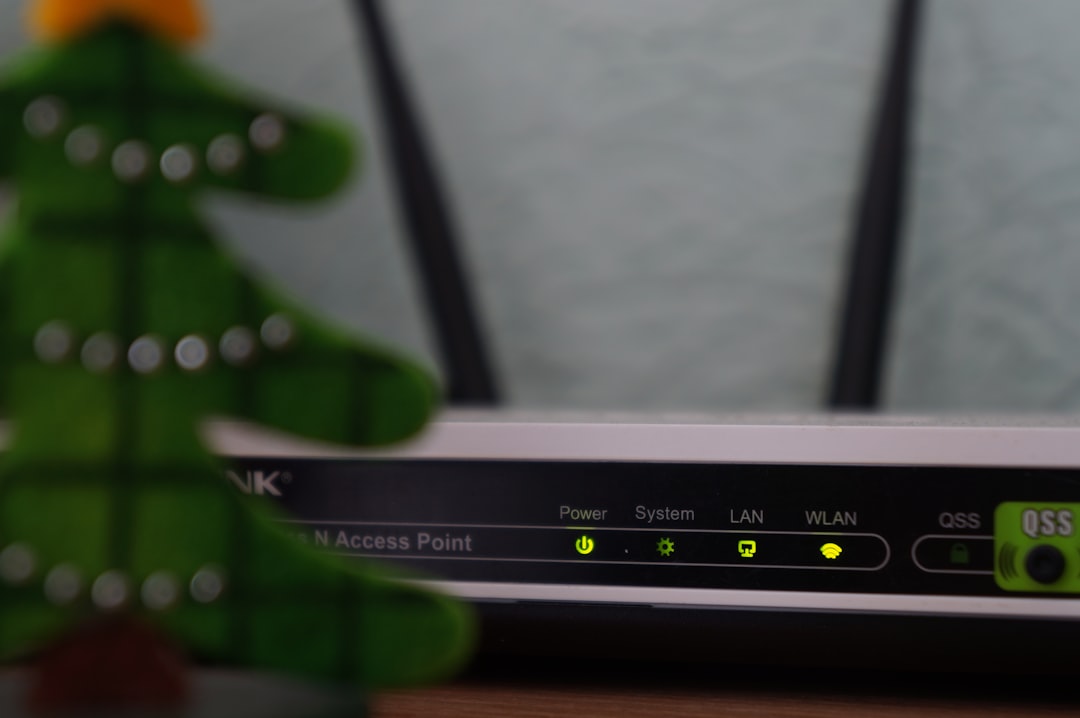
If you have more than five devices in your household, installing Mullvad directly on a compatible router can be an efficient solution.
When installed on a router:
- All devices connected to the Wi-Fi network are protected.
- The router counts as one single device.
- You can effectively extend coverage to unlimited home devices.
This is particularly useful for:
- Smart TVs
- Gaming consoles
- Smart home devices
- Guest devices
However, router installation requires compatible firmware (such as OpenWrt, pfSense, or similar systems) and moderate technical knowledge. Speeds may also vary depending on router hardware capabilities.
Device Management in Your Mullvad Account
Mullvad provides a simple way to manage your connections. Since accounts are number-based, you log in using your account number and can review active sessions directly in the app.
If you reach the limit:
- Disconnect a device manually.
- Sign out from the Mullvad app on one device.
- Wait for idle sessions to expire.
Connections typically terminate immediately when manually closed, freeing up a slot for another device.
Platform Compatibility in 2026
Mullvad continues to offer broad compatibility across modern operating systems. Below is an overview of supported platforms:
| Platform | Supported | Counts Toward Limit |
|---|---|---|
| Windows | Yes | Yes |
| macOS | Yes | Yes |
| Linux | Yes | Yes |
| Android | Yes | Yes |
| iOS | Yes | Yes |
| Router | Yes (manual setup) | Yes (counts as one device) |
Each active connection, regardless of operating system, uses one of your five available slots.
Common Usage Scenarios
Individual User Setup:
- Laptop
- Smartphone
- Tablet
This setup uses only three of five available slots, leaving room for additional temporary connections.
Remote Worker Setup:
- Work laptop
- Personal laptop
- Smartphone
- Tablet
- Home desktop
This fully utilizes all five available connections simultaneously.
Family Household Setup with Router:
- VPN installed on router (1 slot)
- Mobile device outside home (1 slot)
- Work laptop used remotely (1 slot)
This setup efficiently covers numerous devices while using only three active connections.
Does Mullvad Allow Account Sharing?
Mullvad does not explicitly prohibit sharing within a household, but the five-device simultaneous limit effectively restricts extensive account sharing. Because accounts are anonymous and not tied to identities, Mullvad relies primarily on technical limitations rather than strict enforcement policies.
For larger families or shared apartments, purchasing an additional Mullvad account may be necessary to maintain uninterrupted service.
Security Features That Apply Across All Devices
Regardless of which or how many devices you use (up to five), each connection benefits from:
- WireGuard and OpenVPN protocols
- DNS leak protection
- IPv6 support
- Kill switch functionality
- No-logs policy
Every connected device receives the same privacy protections. There are no feature restrictions based on platform.
What Happens If You Exceed the Limit?
If all five slots are occupied and you attempt to connect a sixth device, the connection will fail. You’ll typically see a message indicating that the maximum number of simultaneous connections has been reached.
To resolve this:
- Disconnect an active session.
- Log out from one device.
- Restart a device if a previous session did not terminate properly.
The system updates quickly, and new slots typically become available immediately after disconnection.
Comparing Mullvad’s Device Limit to Typical VPN Standards
In 2026, most premium VPN providers allow between 5 and 10 simultaneous connections. Mullvad remains slightly conservative with its five-device limit but compensates with:
- Strong privacy architecture
- Anonymous account creation
- Flat monthly pricing
- No upsells or tier upgrades
For most individual users and small households, five simultaneous connections are sufficient. Those with extensive device inventories can leverage router installation effectively.
Best Practices for Managing Your 5 Devices
To make the most of your subscription:
- Install on all devices but connect only when necessary.
- Use router-level protection at home.
- Disconnect inactive sessions before traveling.
- Monitor which devices are currently active.
Strategic connection management prevents disruption and ensures constant availability when you need it most.
Final Verdict: Is 5 Devices Enough in 2026?
For most users, yes. Mullvad’s five simultaneous connections strike a balance between flexibility and network integrity. While the limit may appear modest compared to some competitors, the ability to install the VPN on unlimited devices and configure routers significantly expands real-world usability.
Mullvad continues to prioritize privacy, simplicity, and transparency over aggressive marketing promises. Its device policy reflects that philosophy: clear, firm, and fair.
If your needs exceed five simultaneous connections, the router configuration option or purchasing an additional account provides practical solutions. For individuals, remote workers, and small families, Mullvad’s 2026 device allowance remains competitive and entirely sufficient.