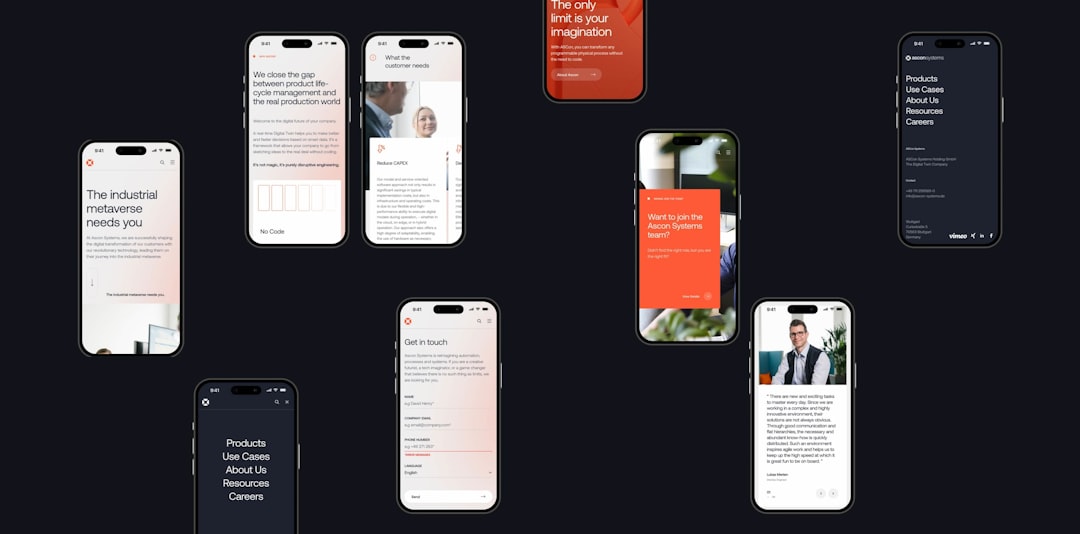
For marketing agencies managing fewer than 20 clients, client reporting can either be a streamlined system that strengthens relationships—or a chaotic, time-consuming bottleneck. At this stage, agencies are often growing, juggling multiple channels, and balancing performance with presentation. The right reporting dashboard can dramatically reduce manual work, improve transparency, and keep clients confident in your value.
TL;DR: Marketing agencies with under 20 clients need reporting dashboards that are cost-effective, scalable, and easy to customize. The right tool should automate data collection, simplify visualization, and present clear ROI metrics. This guide explores six excellent reporting dashboards—from fully customizable platforms to agency-specific solutions—and includes a comparison chart to help you decide quickly. If you want better client retention and fewer reporting headaches, start here.
Below are six powerful client reporting dashboards that strike the right balance between affordability, usability, and professional-grade performance.
1. Google Looker Studio (Formerly Data Studio)
Best for agencies wanting free, flexible customization.
Google Looker Studio remains one of the most popular reporting solutions for small to mid-size agencies. It’s free, highly customizable, and integrates seamlessly with other Google products.
- Cost: Free
- Best For: Budget-conscious agencies comfortable with setup
- Learning Curve: Moderate
Why agencies love it:
- Deep integration with Google Ads, Analytics, Search Console
- Custom dashboards tailored per client
- Real-time data sync
- Shareable live report links
However, Looker Studio may require third-party connectors (often paid) for platforms like Facebook Ads or LinkedIn. It’s powerful, but you’ll invest time building templates.
2. AgencyAnalytics
Best all-in-one reporting tool built specifically for agencies.
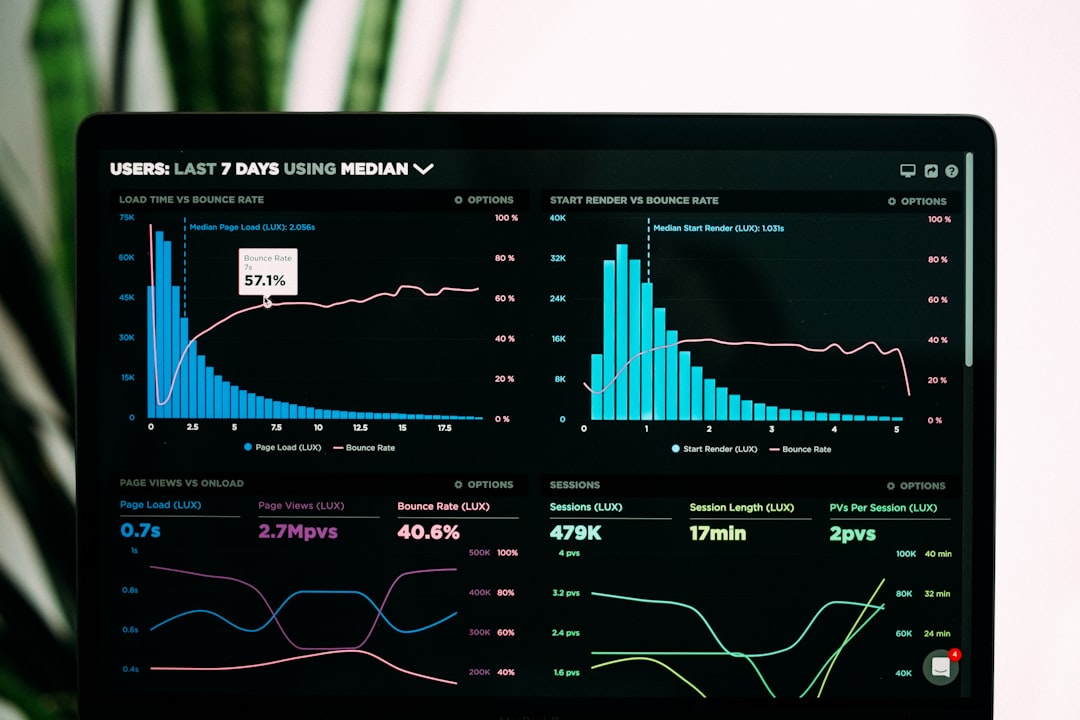
AgencyAnalytics was designed for marketing agencies from the ground up. If you want plug-and-play dashboards with minimal setup, this platform shines.
- Cost: Mid-range subscription tiers
- Best For: Agencies wanting speed and convenience
- Learning Curve: Low
Key features include:
- 80+ marketing integrations
- Automated report scheduling
- White-label dashboards
- Built-in rank tracking
For agencies under 20 clients, pricing remains manageable while saving hours per week on reporting. The clean interface is ideal for client-facing presentations.
3. Whatagraph
Best for visually impressive, presentation-ready reports.
If design matters to your agency brand, Whatagraph emphasizes beautiful, easy-to-understand visualizations. It’s particularly strong for social media and paid advertising campaigns.
- Cost: Mid-to-high tier
- Best For: Agencies prioritizing client visuals
- Learning Curve: Low to moderate
Advantages:
- Pre-built marketing templates
- Cross-channel performance tracking
- Simple drag-and-drop builder
- Automatic data refresh
The downside? It can become expensive as you scale—but for fewer than 20 clients, it often fits comfortably within reporting budgets.
4. Databox
Best for tracking goals and performance benchmarks.
Databox is designed around performance monitoring. Instead of just showing metrics, it emphasizes progress toward goals.
- Cost: Scalable pricing
- Best For: Results-focused agencies
- Learning Curve: Moderate
Standout features:
- Goal tracking dashboards
- Performance scorecards
- Mobile-friendly reports
- Custom metric blending
This makes it especially helpful for client meetings—rather than overwhelming clients with data, you show exactly how campaigns are progressing.
5. DashThis
Best for simplicity and unlimited data sources.
DashThis is known for being straightforward and easy to implement. Agencies can quickly duplicate templates and adjust them per client.
- Cost: Based on number of dashboards
- Best For: Agencies with standardized reporting structures
- Learning Curve: Low
Benefits include:
- Quick dashboard cloning
- Preset KPI widgets
- Email report automation
- Strong PPC integrations
If your agency uses consistent monthly reporting formats, DashThis significantly reduces repetition.
6. NinjaCat (Now Part of Vendasta)
Best for advanced multi-channel attribution reporting.
NinjaCat is a more robust option ideal for agencies offering multi-touch attribution and omnichannel campaigns.
- Cost: Higher tier pricing
- Best For: Data-driven growth agencies
- Learning Curve: Higher
Strengths:
- Advanced cross-channel reporting
- Call tracking integration
- Automated narrative insights
- Enterprise-level customization
For agencies with sophisticated reporting needs—even with under 20 clients—it can deliver impressive data depth.
Comparison Chart
| Tool | Best For | Ease of Use | Customization | Starting Cost |
|---|---|---|---|---|
| Google Looker Studio | Budget flexibility | Moderate | High | Free |
| AgencyAnalytics | Agency-focused automation | Easy | Moderate | Mid-tier |
| Whatagraph | Visual presentations | Easy | Moderate | Mid-high |
| Databox | Goal tracking | Moderate | High | Scalable |
| DashThis | Simple standardized reporting | Easy | Moderate | Based on dashboards |
| NinjaCat | Advanced attribution | Advanced | Very High | High-tier |
How to Choose the Right Dashboard for Your Agency
When managing fewer than 20 clients, the key is balance. You likely don’t need enterprise software overloaded with features—but you do need something scalable.
Ask yourself:
- Do we prioritize automation or customization?
- How much time are we currently spending on reporting?
- Do clients care more about visuals or performance insights?
- Will this tool scale as we grow beyond 20 clients?
For small agencies, time savings often outweigh marginal feature upgrades. A platform that cuts five hours per week from reporting pays for itself quickly.

Why Reporting Matters More at the Sub-20 Client Stage
Agencies at this size often operate in a delicate growth phase. Every retained client fuels stability, referrals, and expansion.
Strong reporting does three critical things:
- Clarifies ROI – Clients stay when they see measurable results.
- Reduces unnecessary meetings – Clear dashboards answer questions before they arise.
- Builds authority – Professional, data-driven reporting elevates your agency’s perceived value.
Without a solid reporting system, agencies risk under-communicating impact—even when campaigns are successful.
Final Thoughts
Client reporting dashboards are not just back-office tools; they are relationship-builders. For marketing agencies managing under 20 clients, the right dashboard frees up time, sharpens strategy, and reinforces trust.
If you want maximum customization at no cost, Google Looker Studio is a strong starting point. If ease and agency-focused features matter most, AgencyAnalytics or DashThis are excellent picks. For visual storytelling, go with Whatagraph. If performance goals drive your conversations, consider Databox. And if you need advanced attribution, NinjaCat delivers depth.
The best platform isn’t the one with the most features—it’s the one your team will actually use consistently. Simplify reporting, highlight meaningful metrics, and empower your clients to clearly see the results you’re delivering. That clarity is what turns short-term contracts into long-term partnerships.