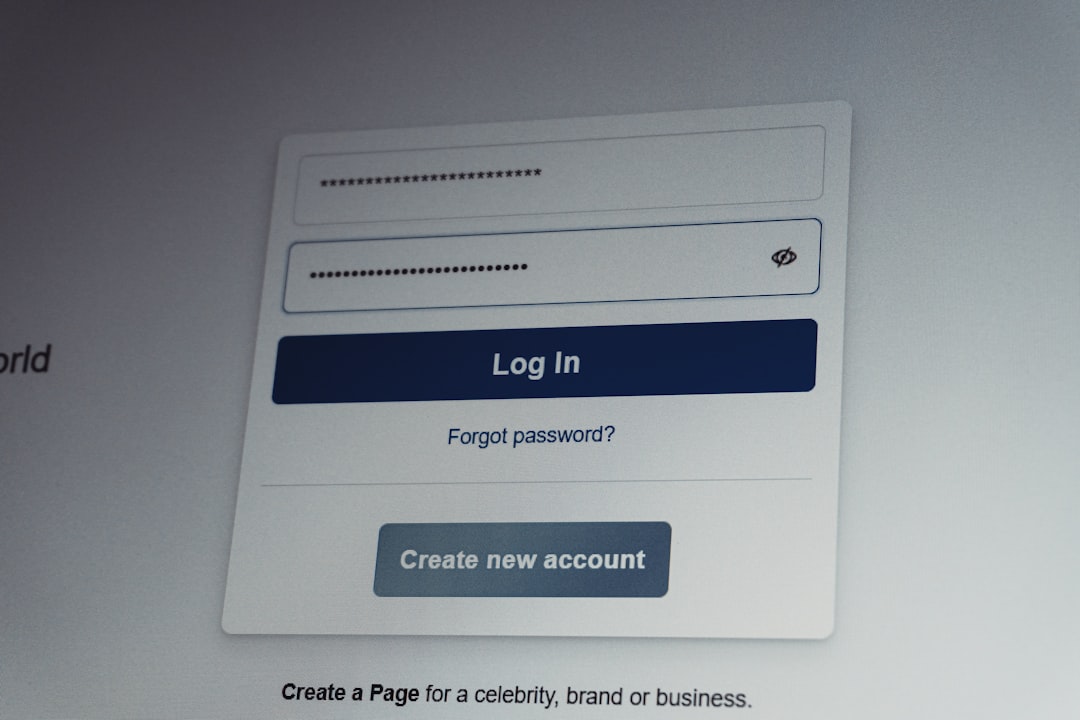
Access to SEO platforms is mission-critical for digital marketers, agencies, and businesses that rely on timely data to guide strategy. When users experience login failures or system downtime in Baloch SEO Tools, productivity stalls and campaigns may suffer. Understanding the root causes of these login issues—and knowing how to resolve them efficiently—can prevent unnecessary disruption and protect valuable workflows. This article examines common Baloch SEO Tools login errors, what causes them, and the most effective ways to fix and prevent them.
TLDR: Login issues in Baloch SEO Tools typically stem from incorrect credentials, browser conflicts, expired sessions, server downtime, or account restrictions. Most problems can be resolved through basic troubleshooting steps such as clearing cache, resetting passwords, checking server status, or updating browsers. Persistent errors may indicate account suspension or technical outages requiring support intervention. Proactive maintenance and security best practices can significantly reduce recurring login disruptions.
Understanding Why Login Issues Occur
Before attempting fixes, it is important to recognize that login problems usually fall into one of five categories:
- Authentication failures (incorrect username or password)
- Browser or cache conflicts
- Server-side downtime or maintenance
- Account suspension or permission restrictions
- Network or firewall interference
Each of these issues requires a specific response. Attempting random fixes without diagnosing the root cause can waste time and potentially worsen the problem.
1. Incorrect Username or Password Errors
The most common login issue is the standard “Invalid credentials” error. While seemingly simple, this problem can occur for several reasons:
- Typographical errors
- Caps Lock enabled
- Saved password no longer valid
- Password recently changed
- Account email updated
How to Fix:
- Manually type credentials instead of relying on autofill.
- Disable Caps Lock and verify keyboard language settings.
- Use the “Forgot Password” feature to reset credentials.
- Check your email inbox (including spam folders) for reset instructions.
If the reset email does not arrive within a few minutes, verify that your registered email address is correct.
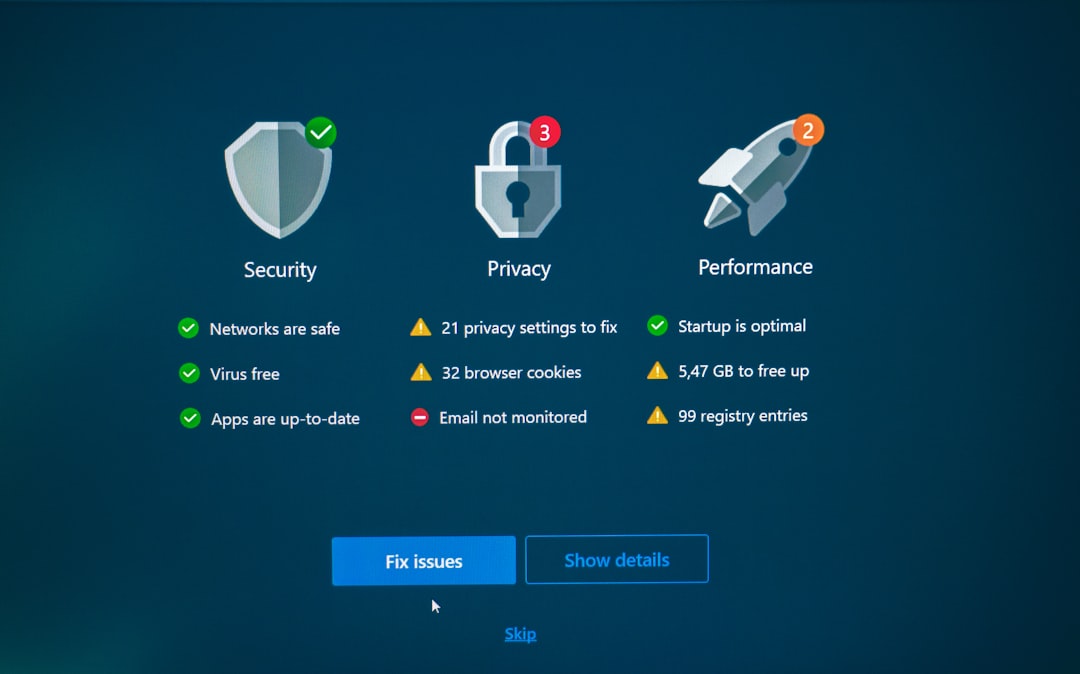
2. Account Locked Due to Multiple Failed Attempts
Baloch SEO Tools may temporarily lock accounts after multiple unsuccessful login attempts. This feature protects against unauthorized access but can inconvenience legitimate users.
Typical Indicators:
- Message stating account is temporarily locked
- Forced waiting period before retrying
- Email security notification
Resolution Steps:
- Wait for the lockout window to expire (often 15–30 minutes).
- Reset your password before attempting to log in again.
- Ensure you are using the correct registered email.
If the issue persists beyond the stated waiting period, contact support to manually unlock the account.
3. Browser Compatibility or Cache Conflicts
Modern SEO platforms rely heavily on browser-based technologies. Outdated browsers, corrupted cache files, or conflicting extensions can prevent login pages from loading properly.
Symptoms May Include:
- Blank screen after entering credentials
- Continuous loading animation
- Login button unresponsive
- Redirect loops back to login page
Recommended Fixes:
- Clear browser cache and cookies.
- Update your browser to the latest version.
- Disable browser extensions temporarily, especially ad blockers or VPN extensions.
- Try accessing the platform in Incognito Mode.
- Switch to a different browser (e.g., Chrome, Firefox, Edge).
In most cases, clearing the cache resolves persistent login loops.
4. Server Downtime and Scheduled Maintenance
Occasionally, login problems are not caused by user error at all. Platform-side server downtime or scheduled maintenance can block access for all users.

How to Determine If It’s a Server Issue:
- Check the official Baloch SEO Tools website or status page.
- Look for maintenance announcements on social media channels.
- Ask colleagues if they are experiencing similar issues.
If downtime is confirmed:
- Wait until maintenance concludes.
- Avoid repeated login attempts, which may trigger security flags.
- Monitor official updates for estimated restoration time.
Reputable SEO platforms typically resolve downtime quickly, especially when infrastructure redundancy is in place.
5. Expired Sessions and Automatic Logout
Security protocols often enforce session time limits. If you leave your dashboard idle for too long, you may be logged out automatically, sometimes without clear notice.
Solution:
- Refresh the page.
- Log in again manually.
- Avoid multiple open tabs of the same dashboard.
If frequent session timeouts occur, review browser cookie settings to ensure cookies are not automatically deleted.
6. Firewall or Network Restrictions
Corporate networks, public Wi-Fi, or strict firewalls may block access to certain web services. VPN configurations can also create login conflicts.
Common Signs:
- “Access Denied” messages
- DNS errors
- Connection timed out
Troubleshooting Steps:
- Switch to a different internet connection.
- Disable VPN temporarily.
- Contact your IT department to whitelist the platform domain.

7. Account Suspension or Subscription Expiry
If your subscription has expired or payment has failed, access may be limited or blocked entirely.
Indicators:
- Billing notification emails
- Restricted dashboard preview
- Redirect to subscription renewal page
Resolution:
- Verify payment status in your billing portal.
- Update expired credit card information.
- Contact support if payment was processed but access remains blocked.
Ensure billing details are kept current to avoid unexpected interruptions.
8. Two-Factor Authentication (2FA) Problems
Two-factor authentication improves security but may create temporary login barriers if codes fail or authenticator apps malfunction.
Common Causes:
- Incorrect time settings on mobile device
- Lost access to authentication app
- SMS delivery delays
Fixes:
- Synchronize your smartphone’s time automatically.
- Request backup verification codes.
- Contact support for 2FA reset assistance.
It is advisable to store backup authentication codes securely in case of device loss.
When to Contact Support
If you have attempted the standard troubleshooting steps without success, escalate the issue. When contacting support:
- Provide screenshots of error messages.
- Describe the steps you already attempted.
- Include time and date of occurrence.
- Specify device, browser, and operating system details.
Clear information accelerates technical diagnosis and resolution.
Preventative Measures to Avoid Future Login Issues
Prevention reduces the likelihood of recurring access disruptions. Organizations should implement the following best practices:
- Use a password manager to prevent credential errors.
- Enable secure 2FA backup codes.
- Keep browsers updated.
- Monitor billing status regularly.
- Avoid sharing login credentials.
- Bookmark the official login URL to avoid phishing attempts.
Additionally, teams should maintain internal documentation outlining standard troubleshooting procedures to reduce downtime during urgent projects.
Security Considerations
Login difficulties sometimes signal deeper security risks. Repeated failed login attempts that you did not initiate may indicate unauthorized access attempts. In such cases:
- Reset your password immediately.
- Enable or review 2FA settings.
- Check recent login activity if available.
- Notify platform support.
Maintaining vigilance ensures that technical inconvenience does not become a security breach.
Conclusion
Login issues in Baloch SEO Tools, while disruptive, are generally solvable through structured troubleshooting. By identifying whether the issue stems from credentials, browser settings, server downtime, account restrictions, or network configuration, users can quickly restore access and resume operations. A methodical approach—combined with proactive maintenance and adherence to security best practices—minimizes risk and ensures consistent platform availability.
Access reliability is essential for any SEO-driven organization. Addressing login errors promptly and professionally safeguards workflow continuity, protects campaign momentum, and preserves data integrity. With the right knowledge and preparation, most login and downtime problems can be resolved efficiently and with minimal operational impact.