In today’s competitive market, your logo is more than just a graphic—it’s the face of your brand. Placing that logo in real-world scenarios, like packaging, labels, and stickers, offers consumers a visual narrative that fosters trust, attraction, and ultimately, conversion. That’s where mockups come into play. Well-crafted logo mockups can mean the difference between a product that flies off the shelf and one that sits untouched.
TLDR:
Logo mockups are essential for showcasing your branding in realistic and appealing contexts, especially on packaging, labels, and stickers. By placing your logo within real-life situations, you enhance perception and foster stronger consumer engagement. Focus on quality, relevance, and context when designing mockups. Tools like Photoshop or smart mockup generators make it easier than ever to create visuals that actually convert.
Why Logo Mockups Matter
Imagine launching a product with a beautiful logo but using only flat, boring representations on your website or marketing materials. Most customers can’t easily envision how your branding translates into the real world. That’s the gap mockups bridge. A logo mockup inserts your design into a natural setting—think coffee cups, shampoo bottles, or organic food packaging—helping customers form a tangible connection.
Mockups serve purposes beyond aesthetics. They:
- Test Visual Appeal: Before committing to print or production, you can assess how the logo appears on different mediums.
- Enhance Brand Perception: Strategic presentation instills professionalism and brand consistency.
- Increase Conversion Rates: Attractive mockups entice consumers more effectively, especially in e-commerce environments where physical contact isn’t possible.
Types of Logo Mockups That Convert
Not all mockups are created equal. While mockups can range from abstract to hyper-realistic, the most effective ones incorporate your logo into contextual designs—namely packaging, labels, and stickers.
1. Packaging Mockups
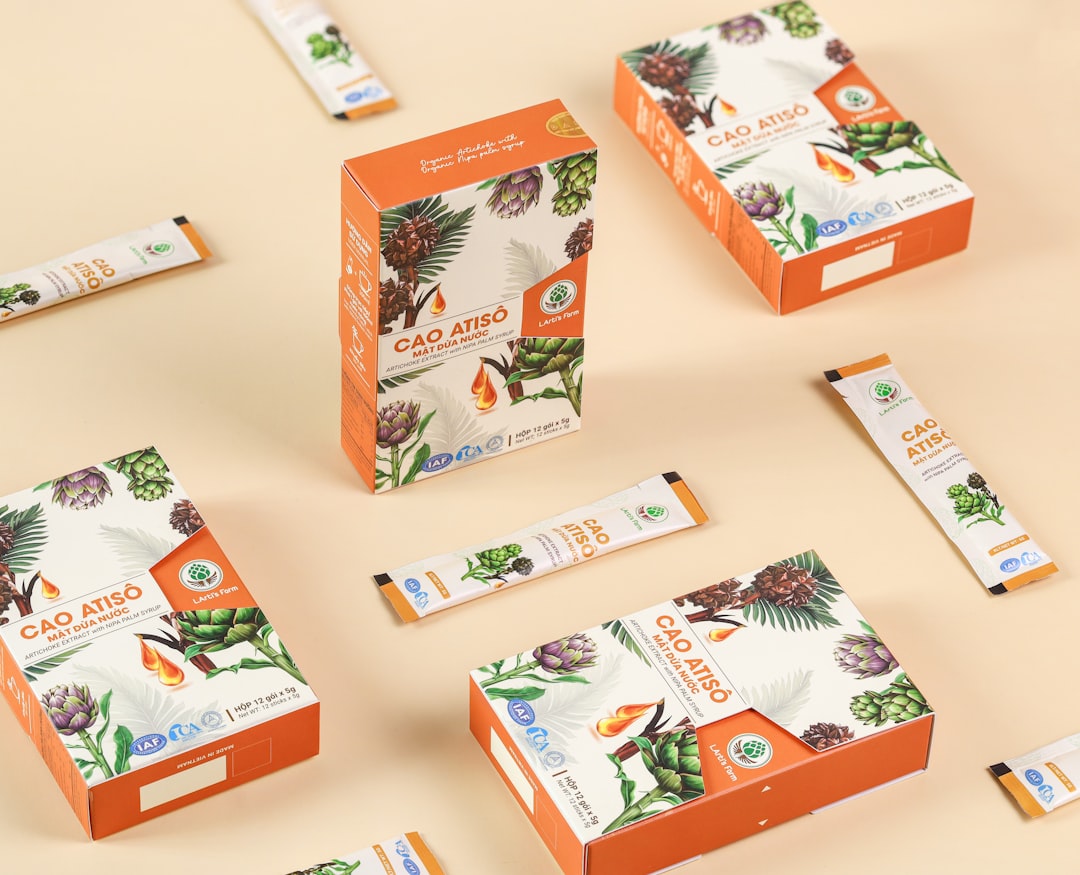
Packaging is one of the most effective canvases for your logo. It’s the first tactile connection many customers have with your brand. Depending on your product, packaging mockups may include:
- Cardboard boxes for e-commerce deliveries
- Product containers like jars, tubes, or bags
- Gift packaging and specialty boxes
Mockups can help answer important questions like: Does the logo maintain readability in small print? Is the logo complementary or overwhelming when set against the packaging color scheme? Does it visually tell your story?
2. Label Mockups
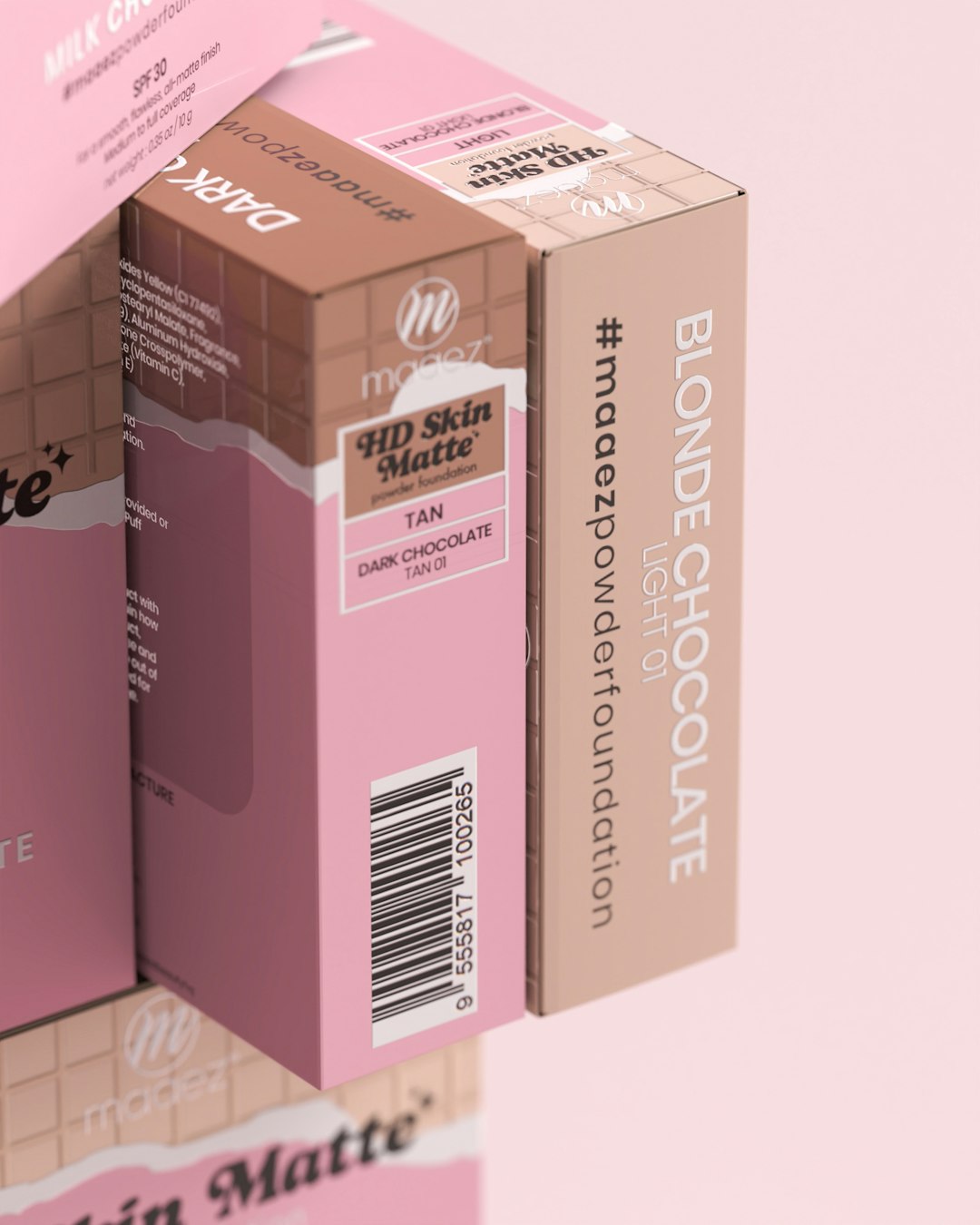
Labels are particularly crucial for food, beauty products, beverages, and household goods. These small surfaces must deliver a lot of brand impact in limited space. Putting your logo within a label mockup simulates how it integrates with all other elements—ingredient lists, icons, and barcodes.
There are a few key considerations to keep in mind:
- Is the logo readable and recognizable even when small?
- Does it clash with or complement the label’s typography?
- Is it positioned for both aesthetics and function?
Label mockups are great for split testing multiple versions. You can determine which layout is more likely to convert by using A/B testing or customer feedback.
3. Sticker Mockups
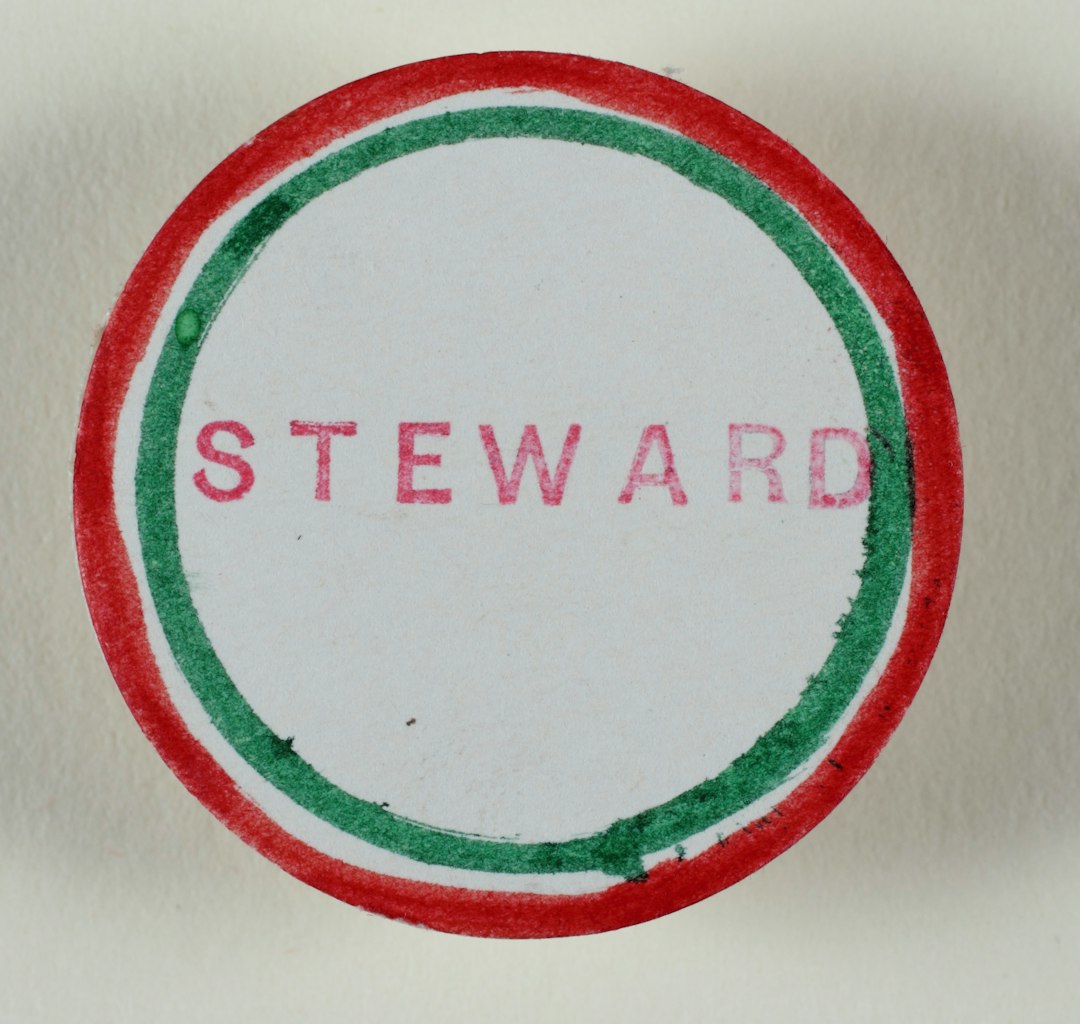
Stickers serve as both fun decorations and practical branding tools. Whether it’s sealing mailers or serving as a giveaway item, a sticker holding your logo can dramatically increase brand exposure. Mocking up a logo on adhesive stickers gives designers the chance to experiment with form, creativity, and attitude.
Popular sticker types include:
- Die-cut stickers with custom shapes
- Circle and square stickers for consistent themes
- Transparent stickers for minimalist aesthetics
Mockups can even help decide whether the sticker adds an upscale flair or undermines the brand depending on placement, color, and material simulations.
Best Tools for Creating High-Converting Logo Mockups
You don’t need to be a design wizard to produce polished mockups. Thanks to an array of tools available online, creating logo mockups has never been more accessible. Here are a few popular choices:
1. Adobe Photoshop
The industry standard for professionals, Photoshop allows in-depth layer control and smart object features for embedding logos with precision. You can edit shadows, light sources, and mockup interaction which is ideal for high-end branding.
2. Smartmockups
A user-friendly platform with pre-built templates, Smartmockups helps users drag and drop logos into real-life scenes. Their massive library includes categories specifically designed for packaging, labels, and stickers.
3. Placeit
Great for digital marketers, Placeit offers auto-generated visuals at lightning speed. It’s cloud-based, so no software installation needed, and integrates well with e-commerce platforms like Etsy or Shopify.
Key Tips for Creating Effective Logo Mockups
Regardless of the tool or platform you choose, effective mockups follow certain universal best practices. Keep the following in mind when generating your own:
- Use High-Resolution Images: Blurry or pixelated visuals undermine your brand’s professionalism.
- Match Your Brand Color Palette: Consistency in hue and tone across product visuals builds brand equity.
- Maintain Logo Integrity: Don’t stretch, distort, or overly manipulate the logo to fit awkward spaces.
- Choose the Right Perspective: Angle, zoom, and lighting affect how trustworthy and appealing the design feels.
- Test Multiple Versions: Don’t settle for your first version—create a few mockups to evaluate which resonates most with your audience.
How Logo Mockups Influence Consumer Emotion
Consumers don’t often realize they’re reacting to visual cues, but they are. The subtle elegance of a mockup—like a matte black label with gold foil lettering—may convey luxury. Meanwhile, a recycled cardboard sticker mockup might appeal to eco-conscious shoppers.
This interaction between sensory perception and branding is a psychological phenomenon known as design association. Using mockups strategically can influence how consumers feel about your products before they even touch them.
Mockups in Action: Real-World Examples
Many successful companies have refined their packaging and labeling thanks to mockups. Take a startup coffee brand, for example. Using mockups, they test three different label designs across social media to evaluate customer preferences. Feedback shows that a textured burlap background with a centrally placed circular logo gets the most traction. The brand adopts that mockup version, which eventually doubles product purchases on their website.
Another scenario: a home decor company uses sticker mockups on shipped boxes. Customers became so fond of the aesthetic sticker that they began posting unboxing photos, leading to free organic social media promotion and increased brand awareness.
Conclusion: A Mockup is More Than a Preview—it’s a Strategy
In a world bombarded by visuals, standing out takes more than creative design—it requires placement, realism, and strategy. Logo mockups on packaging, labels, and stickers go beyond simple representation; they’re key tools for audience connection and product success.
With thoughtful design and the right tools, your mockups can become powerful conversion assets. Start viewing them not just as previews of the final product—but as critical components in your branding strategy that influence how customers think, feel, and buy.