Changing the region on your Nintendo eShop account can unlock access to regional exclusive games, demos, and deals that aren’t available in your current location. Whether you’re looking to test out a title only released in Japan or take advantage of different pricing structures around the world, switching your Nintendo region is a fairly simple process. However, there are a few caveats and steps to keep in mind to ensure a seamless experience.
TL;DR
If you want to access different regional content or pricing on the Nintendo eShop, you can change your region by updating your Nintendo account settings on a web browser. The process is straightforward but may result in temporarily losing access to some funds or content tied to your original region. Always spend your remaining balance before switching. Be aware that game availability and currency differ by region.
Why Change Your Nintendo eShop Region?
There are several reasons why someone may want to change their eShop region:
- Access Exclusive Titles: Some games are released only in specific countries.
- Get Better Prices: Prices for the same game can vary significantly across regions.
- Early Releases: Certain regions receive game releases earlier than others.
Things to Consider Before Changing Regions
Before jumping into the region-switching process, it’s important to understand the implications:
- eShop Funds: You’ll lose any remaining balance tied to your current region’s account. Spend your funds before changing.
- Payment Methods: Credit cards or PayPal accounts linked to your current region may not work in the new one.
- Downloaded Games: You won’t lose access to downloaded games, but you may not be able to update or repurchase them in the new region.
- Online Services: Subscriptions like Nintendo Switch Online may differ by region, or may be unavailable entirely.
Step-by-Step Guide to Changing Your Nintendo eShop Region
Step 1: Log In to Your Nintendo Account
Navigate to the official Nintendo website at accounts.nintendo.com and log in using your Nintendo Account credentials.
Step 2: Access Your Profile Settings
Once logged in, click your user icon in the top-right corner of the page. From the drop-down menu, select “Settings” or “Profile” to access your account information.
Step 3: Modify Country/Region of Residence
Scroll down to the “Country/Region of Residence” section. Click the dropdown menu and select the region you want to switch to. Popular choices include:
- United States
- Japan
- United Kingdom
- Australia
- Canada
Click “Save Changes” to confirm your new region. You may be prompted to review related legal agreements or terms of service for the new region.
Step 4: Restart Your Nintendo Switch
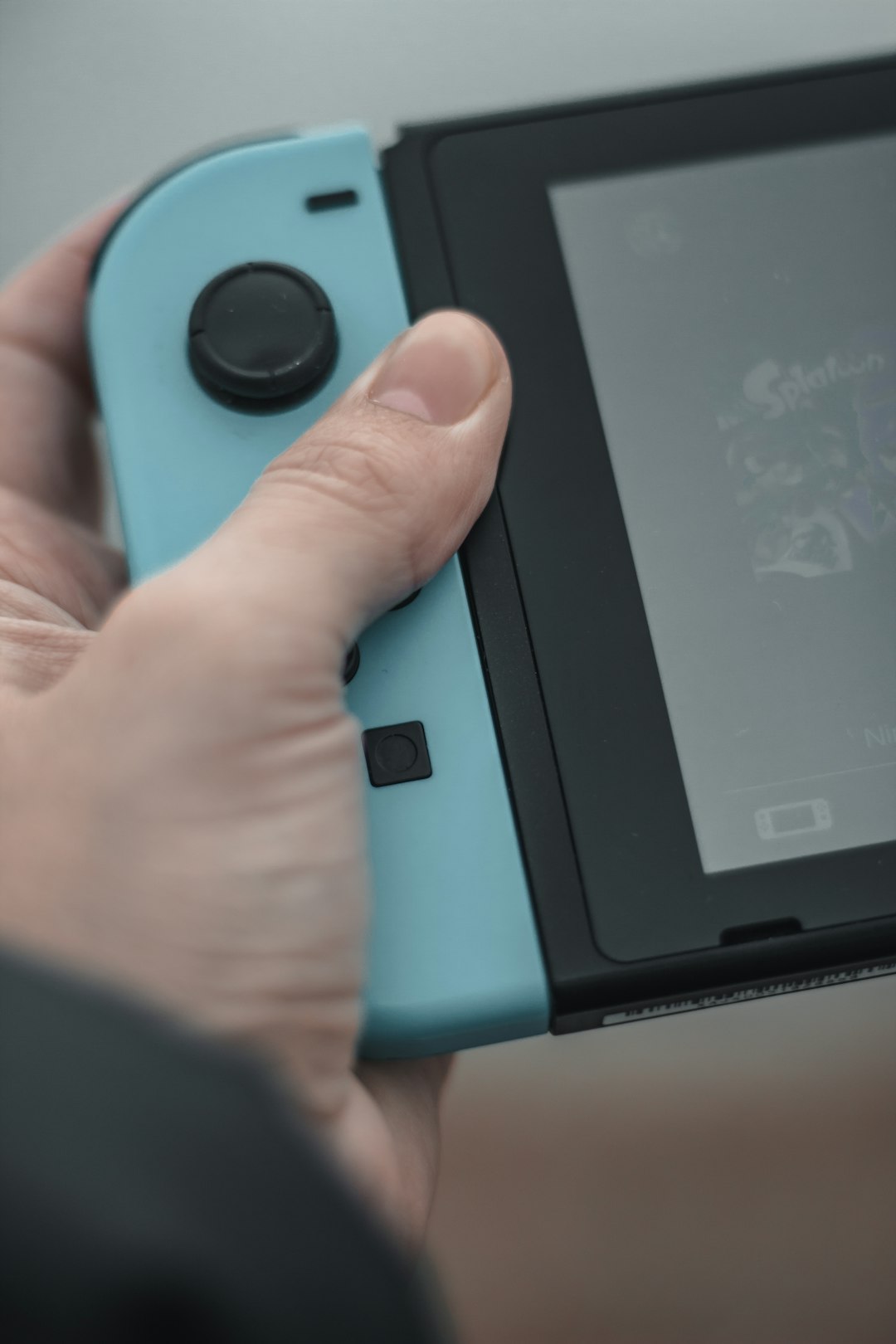
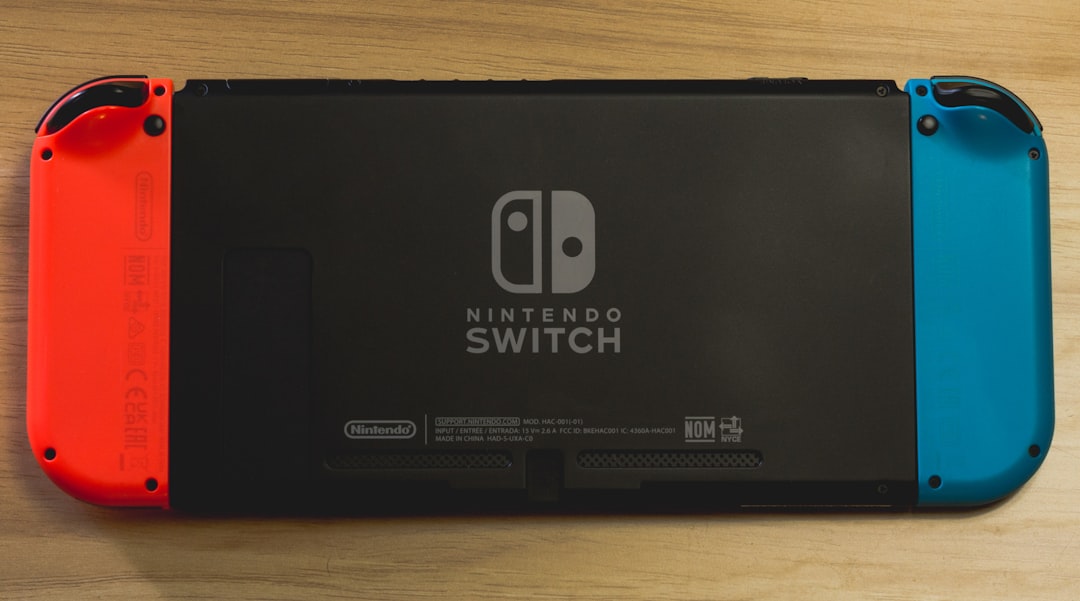
After making the changes on the website, restart your Nintendo Switch console to initialize the new region settings. Upon rebooting, launch the Nintendo eShop and it should route you to the store of your newly selected region.
Step 5: Add New Payment Method
Because regional payment processing differs, you’ll need to add a new valid payment method for the new region. If credit cards from your country aren’t accepted, consider using:
- Region-specific Nintendo eShop gift cards
- PayPal accounts registered in the chosen region (only some regions support PayPal)
Tips for Making the Most of Your New Region
Switching regions can open the door to more than just games. Here are a few hacks to enhance your new shopping experience:
- Look for Deals: Some regions have seasonal discounts or exclusive bundles.
- Try Game Demos: Certain titles offer free trials only in specific countries.
- Create a Secondary Account: Instead of changing your main account, create a second Nintendo Account for exploring other regions, effectively bypassing some of the limitations.
What Happens After the Switch?
Once you’ve successfully changed your eShop region, you’ll be able to purchase, download, and play regional content. However, keep in mind:
- Game language options vary: Some games may only offer the default language of the new region.
- Cloud saves are safe: Cloud backups via Nintendo Switch Online won’t be affected negatively, but you must check if the subscription is available in the new region.
- Updates can be tricky: Depending on the game’s release status in your new region, updates may not always be immediately available.
Reverting to Your Original Region
You can switch back to your original region at any time by repeating the steps above and selecting your home country. Just remember to spend down any balance in your current eShop wallet before making the change, as funds do not transfer across regions.
FAQ
-
Q: Will changing my region delete my game data?
A: No, changing your region won’t delete your saved games or downloaded content. However, availability for redownloading or updating that content may be impacted. -
Q: Can I use the same email for multiple regional accounts?
A: No, each Nintendo account requires a unique email address. If you want accounts in multiple regions, use different email addresses. -
Q: Are digital purchases region-locked?
A: Most Switch games are not region-locked. However, downloadable content (DLC) must match the game’s region to function correctly. -
Q: Can I purchase games with a debit/credit card from my country?
A: Not always. Nintendo eShop generally requires payment methods that match the selected region. Region-specific gift cards are a safer alternative. -
Q: Can I keep my Nintendo Switch Online subscription after switching?
A: This depends on the region. Some regions may not support the subscription, and you may need to purchase a new one in the new locale.
By following this detailed guide and keeping the key considerations in mind, users can safely explore the broader world of Nintendo content across regions. Whether you’re after exclusive RPGs from Japan or discounted indies from Europe, changing your Nintendo eShop region can significantly expand your gaming horizons.