High-quality visuals are essential for modern websites, social media, and digital marketing, but large image files can drastically slow down page speed and hurt user experience. To balance visual appeal with performance, businesses and content creators rely on specialized tools that reduce file size without sacrificing clarity. Image compression and optimization tools make it possible to maintain sharp, professional visuals while improving load times and search engine rankings.
TL;DR: Image compression tools help reduce file size without noticeable quality loss, improving site speed and user experience. The best tools use smart algorithms such as lossy, lossless, or intelligent compression techniques. Popular options include TinyPNG, ImageOptim, Adobe Photoshop, Squoosh, and ShortPixel. Choosing the right one depends on workflow, budget, and desired level of control.
Why Image Compression Matters
Before diving into the tools themselves, it is important to understand why image optimization is crucial. Large image files are often the biggest contributors to slow-loading websites. Research consistently shows that users abandon pages that take more than a few seconds to load, leading to lost traffic and potential revenue.
Optimized images provide several key benefits:
- Faster page load times
- Improved SEO performance
- Reduced bandwidth costs
- Better mobile experience
- Higher user engagement
Modern compression tools leverage sophisticated algorithms that remove unnecessary data while preserving visual integrity, ensuring users cannot detect a quality difference.

1. TinyPNG
TinyPNG is one of the most widely used image compression tools, particularly for PNG and JPEG formats. Despite its playful name, it applies powerful lossy compression techniques that significantly reduce file size while maintaining visual quality.
The platform uses smart quantization to decrease the number of colors in an image, reducing size without introducing visible artifacts. TinyPNG works well for:
- Website images
- Blog graphics
- Social media visuals
- Ecommerce product photos
Key Features:
- Simple drag-and-drop interface
- Bulk image uploads
- API for developers
- WordPress plugin integration
TinyPNG is ideal for users who want a fast, straightforward solution without dealing with technical settings.
2. ImageOptim
ImageOptim is a powerful desktop application designed primarily for Mac users. It focuses on lossless compression and metadata removal, ensuring images are as lightweight as possible without altering visual data.
Unlike many browser-based tools, ImageOptim strips unnecessary information such as camera metadata, embedded color profiles, and comments. This additional cleanup provides further file size reduction.
Advantages of ImageOptim:
- Retains full image quality
- Removes hidden metadata
- Works offline
- Open-source technology
For photographers and designers who require strict quality preservation, ImageOptim is often a preferred choice.
3. Adobe Photoshop
Although widely known as a professional editing tool, Adobe Photoshop also includes powerful image optimization capabilities. Its “Save for Web” feature gives users precise control over compression settings.
Photoshop allows users to:
- Adjust quality levels manually
- Preview compression results in real time
- Convert file formats (JPEG, PNG, WebP)
- Resize images for specific platforms
This level of control makes Photoshop ideal for graphic designers and marketing teams that require visual precision. While it has a steeper learning curve than other tools, it delivers excellent optimization results when used properly.
Best for: Professionals who need advanced editing and compression in one integrated software.
4. Squoosh
Squoosh is a browser-based image compression tool developed with performance in mind. It stands out due to its interactive side-by-side comparison interface, allowing users to instantly see the difference between the original and compressed image.
One of Squoosh’s unique strengths is its support for modern next-generation formats such as WebP and AVIF. These formats offer superior compression efficiency compared to traditional JPEG and PNG images.
Notable Features:
- Real-time comparison slider
- Support for advanced formats
- Adjustable compression settings
- Works entirely in the browser
Squoosh is particularly useful for developers and performance-focused website owners who want to experiment with cutting-edge formats.
5. ShortPixel
ShortPixel is a versatile image optimization tool designed primarily for website integration, especially content management systems. It offers both lossy and lossless compression options, giving users flexibility depending on project needs.
ShortPixel automatically optimizes images upon upload, making it highly convenient for websites that publish frequent content. It also supports next-generation formats and can convert images to WebP automatically.
Main Benefits:
- Automated optimization
- Bulk image processing
- Cloud-based compression
- Backup of original files
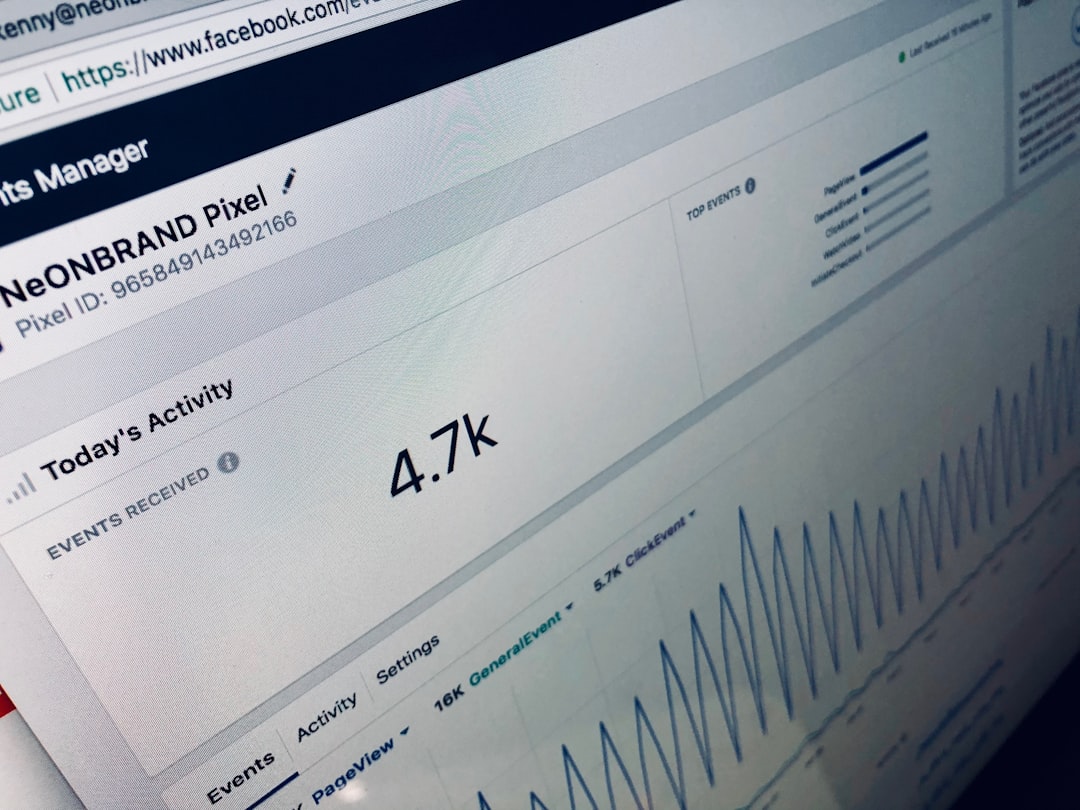
This tool is especially beneficial for ecommerce stores and media-heavy websites that need consistent optimization at scale.
Lossy vs. Lossless Compression
Understanding the difference between lossy and lossless compression helps in choosing the right tool:
- Lossy compression: Reduces file size by permanently removing some image data. When done correctly, the changes are not noticeable to the human eye.
- Lossless compression: Reduces file size without removing visual information, preserving 100% of the original quality.
For most websites, expertly applied lossy compression delivers the best balance between performance and appearance. However, photographers and brand-sensitive companies may prefer lossless options.
Choosing the Right Tool
Selecting the most suitable image optimization tool depends on several key factors:
- Workflow: Browser-based vs desktop software
- Volume: Occasional images or bulk processing
- Technical expertise: Beginner-friendly or advanced controls
- Format support: Need for WebP or AVIF
- Automation: Manual compression or automatic optimization
For simple use cases, TinyPNG or Squoosh may suffice. Professional designers might prefer Photoshop. Large-scale websites typically benefit from automated solutions like ShortPixel.
Conclusion
Image compression and optimization tools are essential for maintaining fast, responsive digital experiences. By reducing file size without sacrificing quality, these tools enhance website speed, improve search engine rankings, and contribute to higher user satisfaction.
Whether using a quick drag-and-drop tool or an advanced editing suite, the key is consistency. Regularly optimizing images ensures a website remains competitive in an increasingly performance-driven digital landscape.
FAQ
1. Does image compression reduce quality?
Lossy compression slightly alters image data, but high-quality tools make these changes virtually invisible. Lossless compression preserves full visual quality while still reducing file size.
2. Which image format offers the best compression?
Modern formats like WebP and AVIF typically provide better compression than JPEG or PNG while maintaining similar or better visual quality.
3. Is it better to resize or compress images?
Both are important. Resizing ensures the image dimensions match display requirements, while compression reduces file size. Combining both methods yields the best results.
4. Can compressed images improve SEO?
Yes. Faster page load times contribute to better search engine rankings and improved user engagement metrics.
5. Are free image compression tools effective?
Many free tools offer excellent results for moderate usage. However, large websites or businesses may benefit from paid solutions with automation and bulk processing features.
6. How much can image compression reduce file size?
Depending on the method and format, file sizes can often be reduced by 30% to 80% without noticeable quality loss.