Adobe’s creative software dominates industries ranging from graphic design and photography to video editing and publishing. But subscription fatigue is real. Many users are actively searching for powerful, affordable tools that don’t lock them into monthly payments. Fortunately, there are excellent alternatives that offer professional features with a simple one-time purchase.
TLDR: If you’re tired of paying monthly for Adobe software, there are high-quality alternatives that require only a one-time purchase. Popular user picks like Affinity, Capture One, and VEGAS Pro provide professional-grade tools without recurring costs. These options cover everything from photo editing and graphic design to video production and desktop publishing. You can save money long-term without sacrificing serious creative power.
Below, we explore seven affordable Adobe alternatives that users consistently recommend — all offering lifetime access with a single payment.
1. Affinity Photo – A Powerful Photoshop Alternative
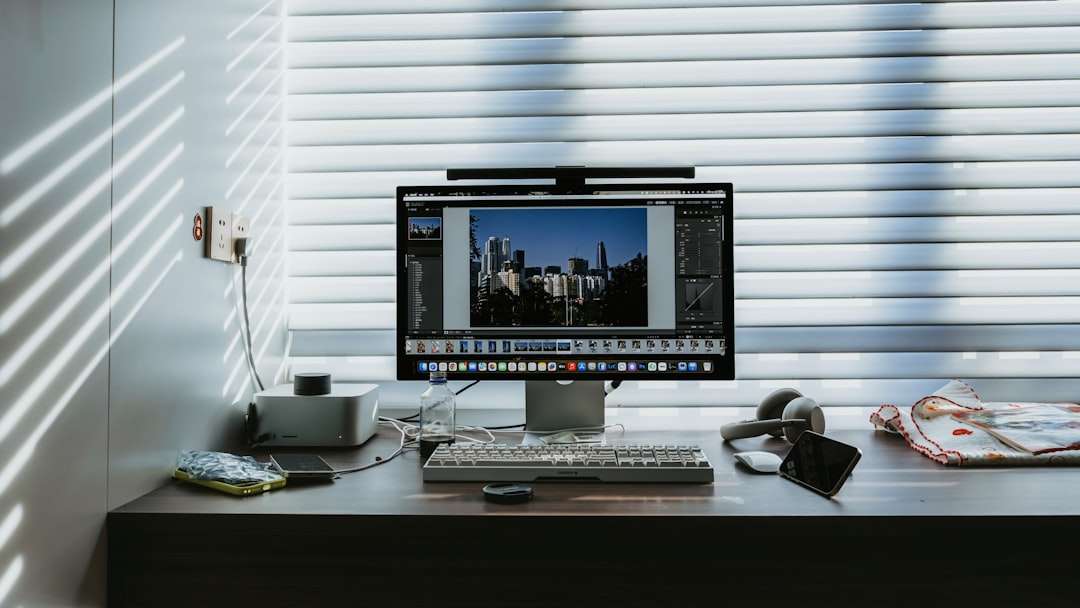
For many creatives, Affinity Photo is the gold standard when it comes to replacing Adobe Photoshop. It delivers professional editing tools at a fraction of the cost, with no subscription required.
Why users love it:
- Advanced layer-based editing
- Professional retouching tools
- RAW editing support
- PSD file compatibility
- Fast performance with low system strain
Affinity Photo supports complex compositions, HDR merging, panorama stitching, and frequency separation for skin retouching. It even handles 16-bit and 32-bit editing workflows smoothly.
Best for: Photographers, digital artists, and designers who need high-end image manipulation tools without recurring fees.
Price model: One-time purchase with optional discounted upgrades.
2. Affinity Designer – A Serious Illustrator Competitor
If you’re working with vector graphics, logos, UI design, or illustrations, Affinity Designer is widely regarded as one of the strongest Adobe Illustrator alternatives available.
Its standout feature is the ability to switch seamlessly between vector and raster workspaces within the same document — something Illustrator doesn’t handle as fluidly.
Key features:
- Precision vector tools
- Non-destructive effects
- SVG, EPS, and PSD support
- Artboards for branding and UI projects
Designers appreciate its clean interface and smooth performance, even on less powerful machines.
Best for: Graphic designers, illustrators, branding professionals.
Price model: One-time purchase.
3. Affinity Publisher – Budget-Friendly InDesign Alternative
Completing the trio, Affinity Publisher competes directly with Adobe InDesign in the desktop publishing space.
Users praise its intuitive layout controls, master pages, and typography tools. The real magic happens when you combine it with Affinity Photo and Designer — you can switch personas and edit images or vectors directly inside your publishing project.
Top capabilities:
- Professional page layout tools
- Advanced typography controls
- Preflight checks for print production
- Interactive PDF export
Best for: Businesses creating brochures, magazines, eBooks, and marketing materials.
Price model: One-time purchase.
4. Capture One – Professional Lightroom Alternative
When photographers want uncompromising image quality and color control, Capture One often tops the list. While it is priced higher than some alternatives, it still offers a perpetual license option.
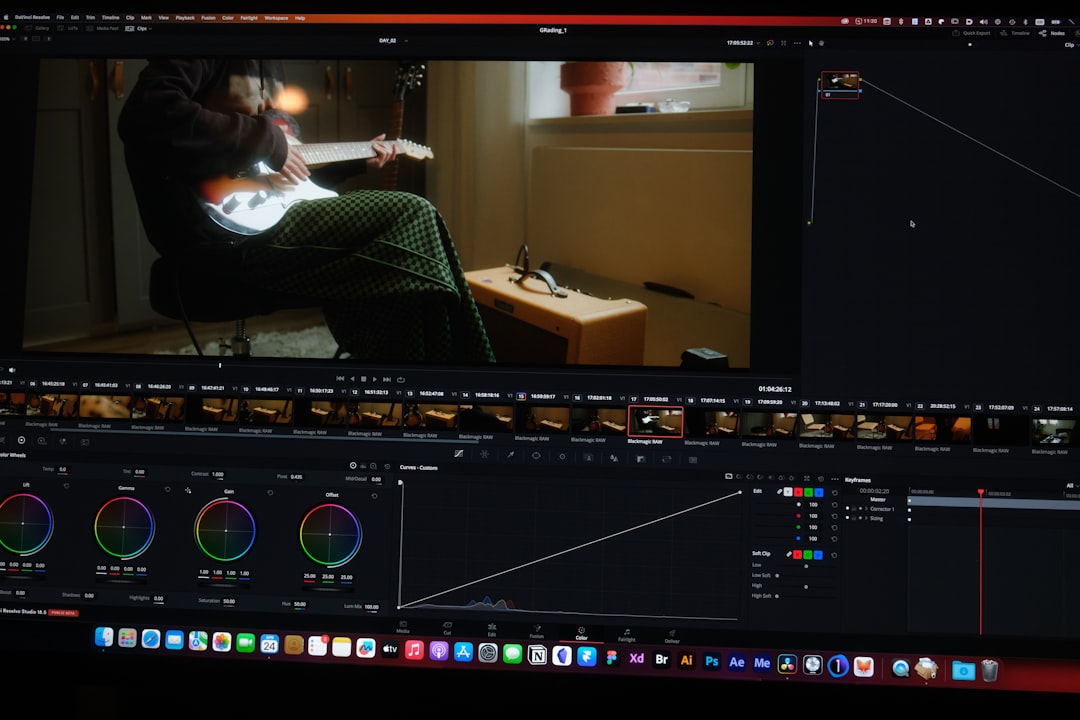
Capture One is known for its superior color grading tools and tethered shooting capabilities, making it especially popular among studio photographers.
What sets it apart:
- Exceptional RAW processing engine
- Advanced color editor
- Highly customizable interface
- Layer-based adjustments
Many users feel that Capture One delivers richer color rendering compared to Lightroom, particularly for skin tones.
Best for: Professional photographers and studios.
Price model: One-time perpetual license available.
5. CorelDRAW Graphics Suite – Veteran Design Alternative
CorelDRAW has been a long-standing competitor in the design world. While it offers a subscription option, it still provides a perpetual license for users who prefer one-time purchases.
This suite includes vector illustration, photo editing, typography, and page layout tools — providing an all-in-one creative package.
Main advantages:
- Strong vector illustration tools
- Multi-page layout support
- Extensive font management
- User-friendly learning curve
Many small businesses and print shops rely on CorelDRAW for production design because of its reliability and compatibility with printing systems.
Best for: Print professionals, marketing teams, sign makers.
Price model: Perpetual license option.
6. VEGAS Pro – Flexible Premiere Pro Alternative
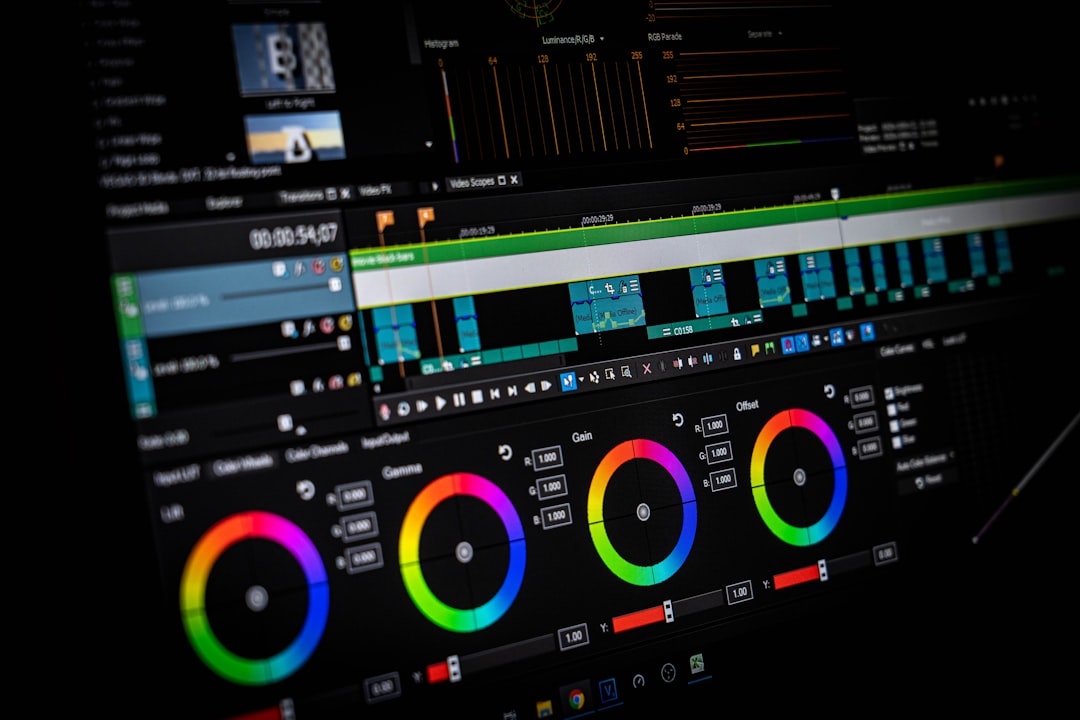
Video creators who want to escape Adobe Premiere Pro often turn to VEGAS Pro. Known for its intuitive timeline editing, VEGAS allows creators to work quickly without navigating overly complex workflows.
Unlike many competitors that moved entirely to subscription models, VEGAS Pro still offers one-time purchase licenses.
Why video editors recommend it:
- Drag-and-drop timeline workflow
- Strong color correction tools
- AI-powered features
- Extensive audio editing capabilities
VEGAS is particularly attractive for YouTubers, independent filmmakers, and content creators who need robust performance without long-term subscription commitments.
Best for: Independent video creators and small production teams.
Price model: One-time purchase option available.
7. PDF-XChange Editor – Smart Acrobat Alternative
Adobe Acrobat subscriptions can add up fast. PDF-XChange Editor delivers powerful PDF editing and annotation tools at a significantly lower cost — with a lifetime license available.
It provides everything most users need: editing text, adding annotations, creating forms, applying digital signatures, and exporting PDFs into multiple formats.
Top highlights:
- Lightweight and fast
- Comprehensive annotation tools
- OCR functionality
- Lifetime license option
For businesses handling contracts and documentation daily, PDF-XChange offers significant savings over time.
Best for: Businesses, educators, legal professionals, and administrative users.
Why One-Time Purchase Software Is Making a Comeback
Subscription fatigue has pushed many creatives to reevaluate their software expenses. A monthly $20–$60 fee doesn’t feel substantial at first, but over five years, that can amount to thousands of dollars.
Users choosing perpetual licenses often cite these reasons:
- Long-term cost savings
- No forced updates
- Greater budget predictability
- Full ownership and offline use
While subscriptions often include cloud features and continuous updates, many professionals prefer paying once and upgrading only when necessary.
Are You Sacrificing Quality?
A common concern is whether moving away from Adobe means compromising on quality. In most everyday professional workflows, the answer is no.
Affinity tools rival Adobe in design and photo editing. Capture One challenges Lightroom in RAW processing. VEGAS Pro competes strongly in video editing. For the majority of freelancers, small agencies, and independent creators, these tools provide more than enough capability.
That said, if your workplace mandates Adobe files or deep Creative Cloud integration, compatibility requirements may influence your decision. Fortunately, many of these alternatives offer excellent file import and export support.
Final Thoughts
Adobe remains a powerhouse, but it’s no longer the only professional option. Users increasingly choose software that respects their budgets and offers ownership rather than ongoing fees.
Whether you’re a freelance designer, photographer, video editor, or small business owner, the tools listed above demonstrate that professional quality doesn’t have to mean permanent subscription payments.
By investing in the right one-time purchase alternative, you can maintain creative flexibility, control long-term costs, and continue producing high-quality work — all while keeping your software expenses predictable.
The creative industry is evolving, and so are the tools. The question isn’t whether you can leave subscriptions behind — it’s which alternative fits your workflow best.