

Fix the Hulu region error by confirming where Hulu thinks you are, checking your account country, turning off location-masking tools, and using a lawful streaming option if you are outside Hulu’s service area. Hulu’s help pages state that Hulu is built for viewers in the United States, with location checks used for access and some plan features [source: Hulu].
TLDR: If Hulu says “not available in your region,” first disable any VPN, proxy, or smart DNS, then restart your device and router. If you have Hulu + Live TV, your home network and ZIP code must match your actual U.S. location, or playback can fail. For example, a U.S. subscriber using hotel Wi Fi in another country may see the error even though the account is paid and active. If you are not in a supported area, use Disney+, Netflix, Max, Prime Video, or a local licensed service instead.
Why Hulu Shows the Region Error
Hulu checks location for two main reasons: licensing and account security. Movies, shows, and live channels are sold by region. A title available in Texas may not have rights in Toronto, London, or Manila. That is annoying, but it is how streaming contracts are written.
The error can also appear when Hulu cannot read your location correctly. This happens more often than it should. Honestly, it feels like one tiny mismatch between your IP address, device GPS, and billing details can waste 20 minutes.
Common causes include:
- You are outside the United States. Hulu may block access even if your account is active.
- A VPN, proxy, or smart DNS is running. Hulu often flags these tools.
- Your Wi Fi network is misidentified. Some internet providers route traffic through another city or state.
- Your device location is off. Phones, tablets, and browsers may deny location access.
- Your Hulu + Live TV home location is wrong. Live TV plans are more strict than on demand plans.

Step 1: Check Your Account and Plan
Start with the basics. Sign in to your Hulu account from a browser. Confirm your email, payment method, ZIP code, and plan status. A failed payment or old billing ZIP can create access problems that look like a region block.
If you use Hulu + Live TV, check your home network settings. Hulu uses this to decide which local channels you can watch. If you moved, changed internet providers, or replaced your router, Hulu may still think your old home network is active.
Expect to waste time on this part if your internet provider recently changed your IP address. Some users see their location jump to a nearby state with no warning. If that happens, contact your provider and ask whether your IP address is being assigned to the wrong city.
Step 2: Turn Off VPNs, Proxies, and Smart DNS
If a VPN is on, turn it off. Then fully close Hulu and reopen it. On a TV or streaming stick, restart the device. On a phone, force close the app. On a browser, clear cookies for Hulu and sign in again.
Do not just switch servers and keep trying. Hulu blocks many VPN and proxy ranges. Repeated attempts can make the error more persistent for a short time. A clean connection from your normal home internet is the safest test.
Also check your router. Some VPN services run at router level. That means Hulu may see a masked location even after you turn off the app on your phone or laptop.
Step 3: Fix Device Location Settings
Hulu may need location access, especially on mobile devices and browsers. If access is denied, the app may fall back to IP address data. That can be less accurate.
- On iPhone or iPad: Go to Settings, Privacy and Security, Location Services, then allow Hulu.
- On Android: Open Settings, Location, App permissions, then allow Hulu while using the app.
- On Chrome: Open site settings for Hulu and allow location.
- On smart TVs: Restart the TV, update the Hulu app, and check network settings.
Step 4: Restart Your Network
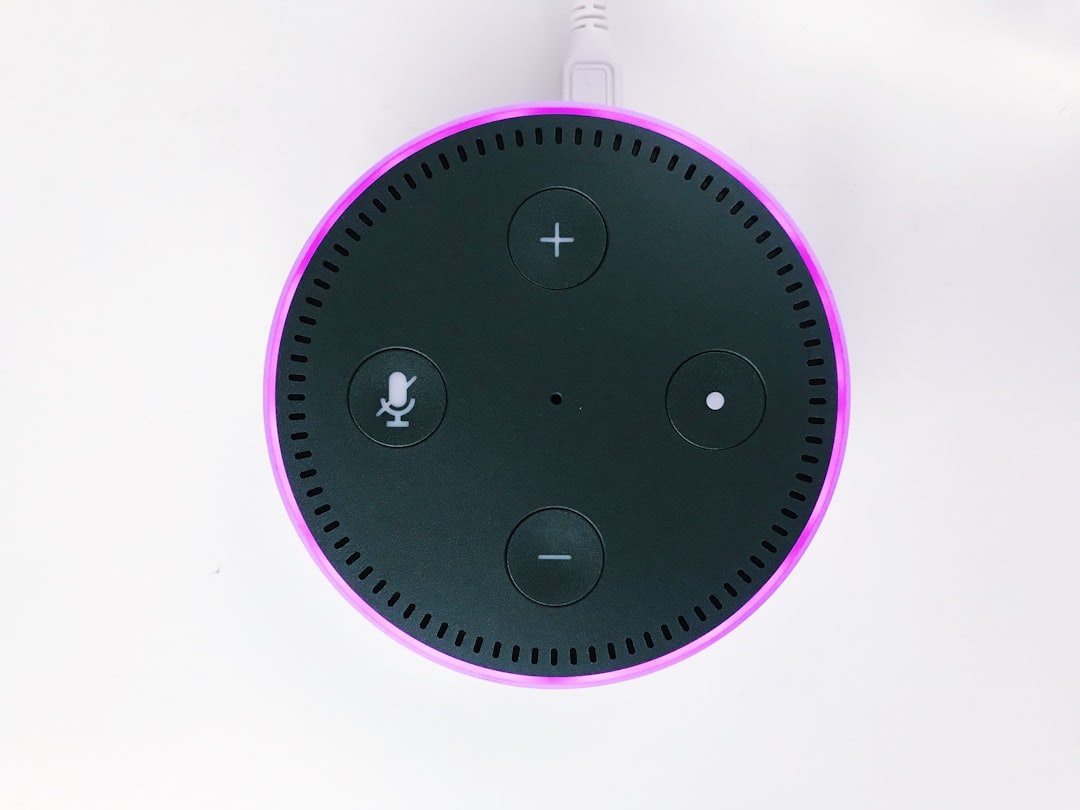
A simple restart can fix stale location data. Turn off your modem and router for at least 60 seconds. Then turn them back on and wait until the connection is stable. Restart your streaming device after that.
If Hulu still shows the same region message, test another device on the same network. If every device fails, the issue is likely your network or account. If only one device fails, update or reinstall the Hulu app.
What If You Are Traveling?
If you are traveling within the United States, Hulu should usually work for on demand content. Live TV is more limited because local channels depend on your home location. If you are outside the United States, Hulu may not play at all.
This is where many people get stuck. A paid account does not always mean global access. Streaming rights are based on where you are, not just who pays the bill.
What Not to Do
Do not buy Hulu accounts from third party sellers. Many are stolen, shared, or created with false billing details. They often stop working fast. You may also lose access without a refund.
Do not rely on random “free VPN for Hulu” guides either. Many free VPNs are slow, crowded, and blocked. Some collect browsing data. That is a poor trade for a streaming fix.
Legal Streaming Alternatives
If Hulu is not offered where you live, pick a service licensed for your country. It is cleaner, safer, and more stable.
- Disney+: Good for Disney, Pixar, Marvel, Star Wars, and National Geographic content.
- Netflix: Broad global coverage, though the library changes by country.
- Max: Strong for HBO shows, Warner Bros. films, and documentaries where available.
- Prime Video: Often included with Amazon Prime, with rentals and add on channels.
- Local TV apps: Many broadcasters offer free or paid streaming in their own markets.

When to Contact Hulu Support
Contact support if you are in the United States, your VPN is off, your payment is current, and the error still appears. Have your account email, ZIP code, device model, internet provider, and exact error message ready.
The quickest path is simple: confirm your real location, remove anything that hides it, refresh your network, and check account settings. If Hulu is not licensed in your region, use a supported service instead of fighting the same error every night.

Related Posts

D&D Character Makers Compared: 5 Tools for Building Characters, Managing Stats, and Planning Tabletop Campaigns

Cloudbot Alternatives: 4 Streaming Chatbot Tools for Moderation, Automated Responses, and Community Engagement
